The fastest place to put a thought.
Open it and you are already typing, keyboard up. One tap files a capture into a note, and the pile becomes a clean note: by hand, or tidied by Pro in your own words.

- free
- no account
- works offline
- Offline
- capture works in airplane mode
- 0
- notes uploaded without an account
- 6
- languages
Messy in. Clean notes out.
Text yourself like a chat. Gather the pile into a note yourself, or let Pro tidy it in your own words: sections, ticks, the to-dos pulled out. The raw captures stay one tap away.
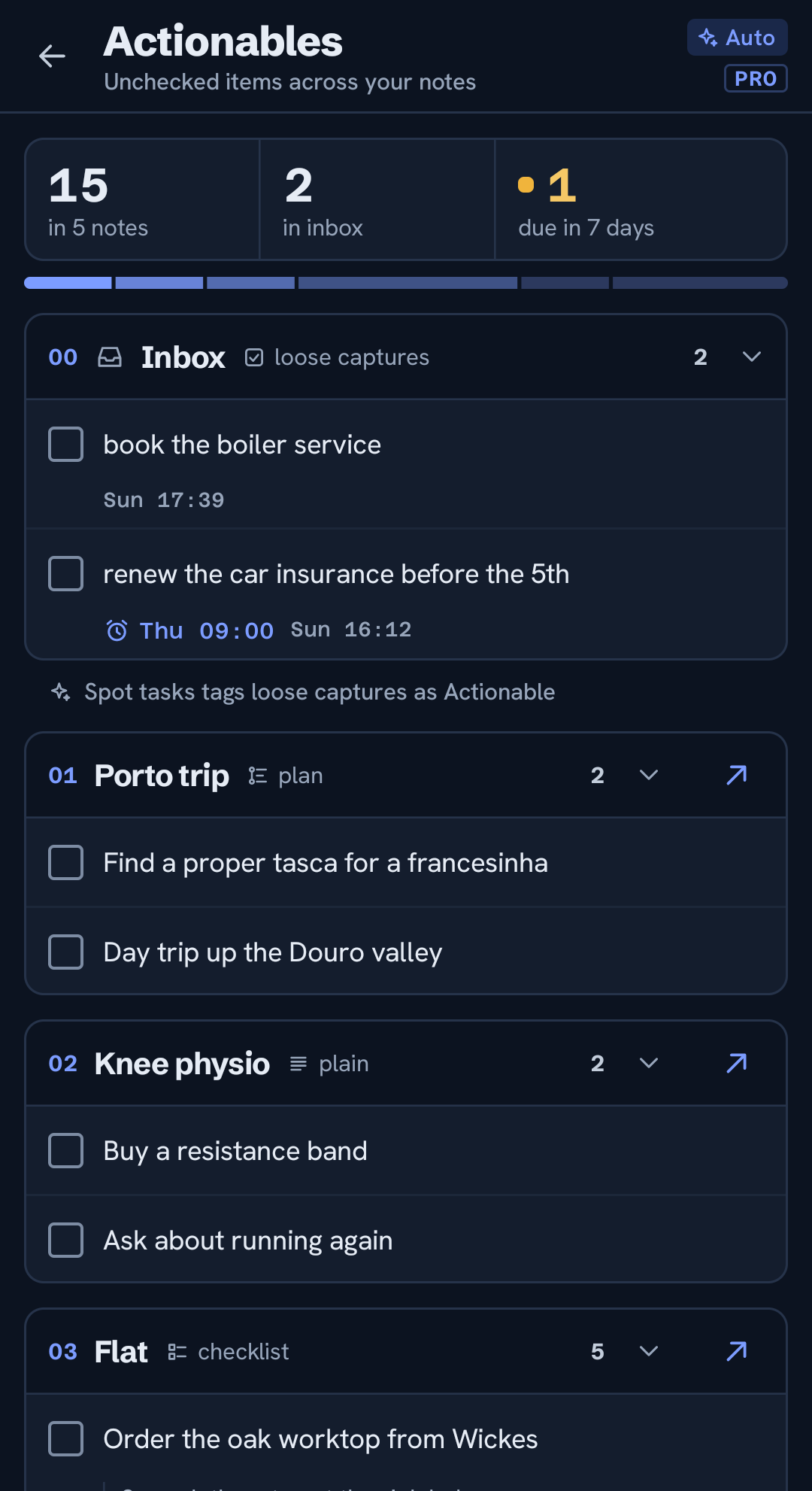
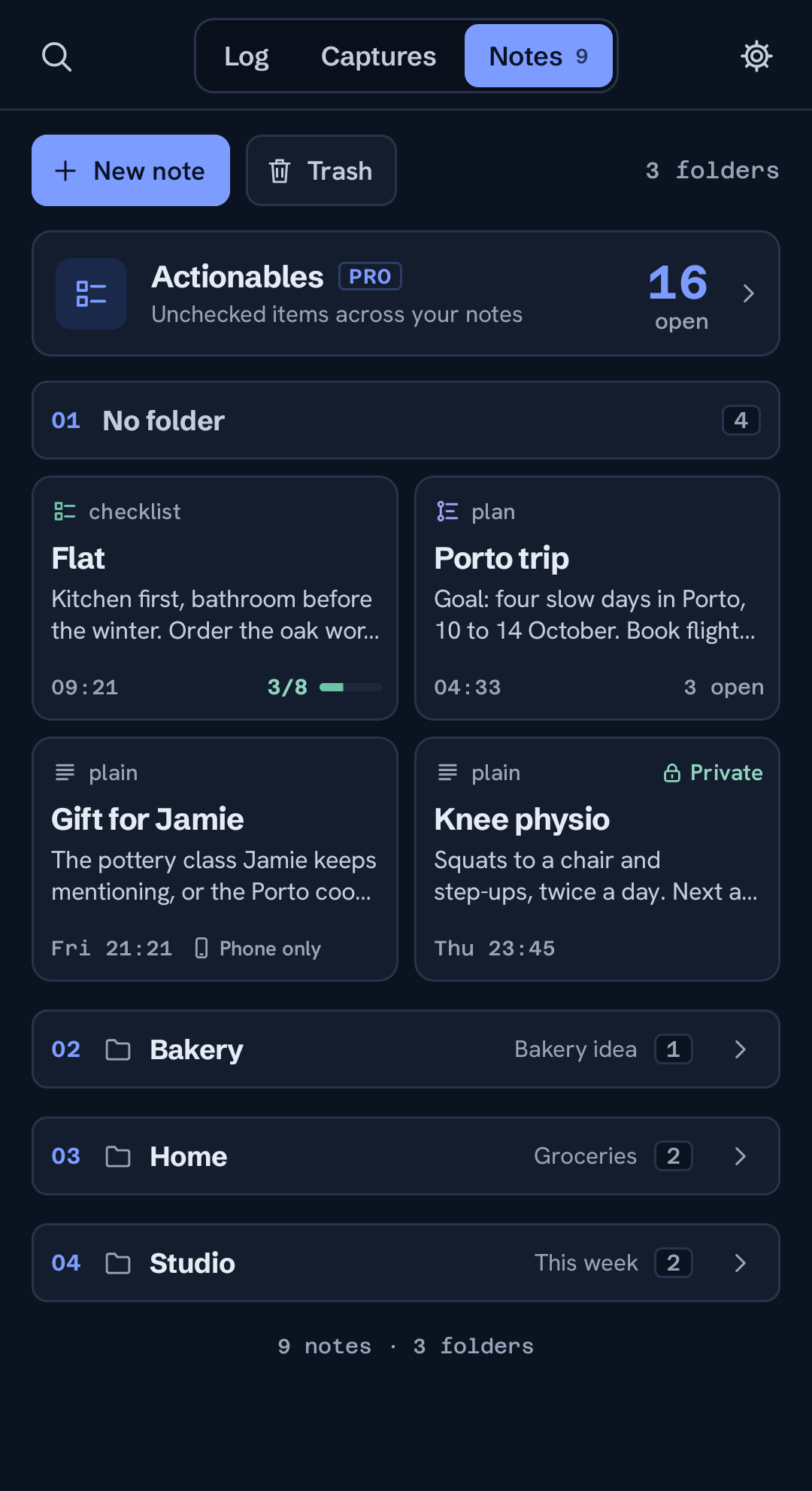
- ActionablesPRO Every open to-do from every note, in one list.
- Deadlines A deadline keeps reminding you until it is done.
- History Every version kept; the originals are one tap back.
- Private Notes you mark private are encrypted before they sync.
Capture never waits.
Most notes apps make you wait for a screen to load before you can write. This one is the other way around: cold start straight to a blinking cursor, every time. Whatever you were about to forget, it's already down.
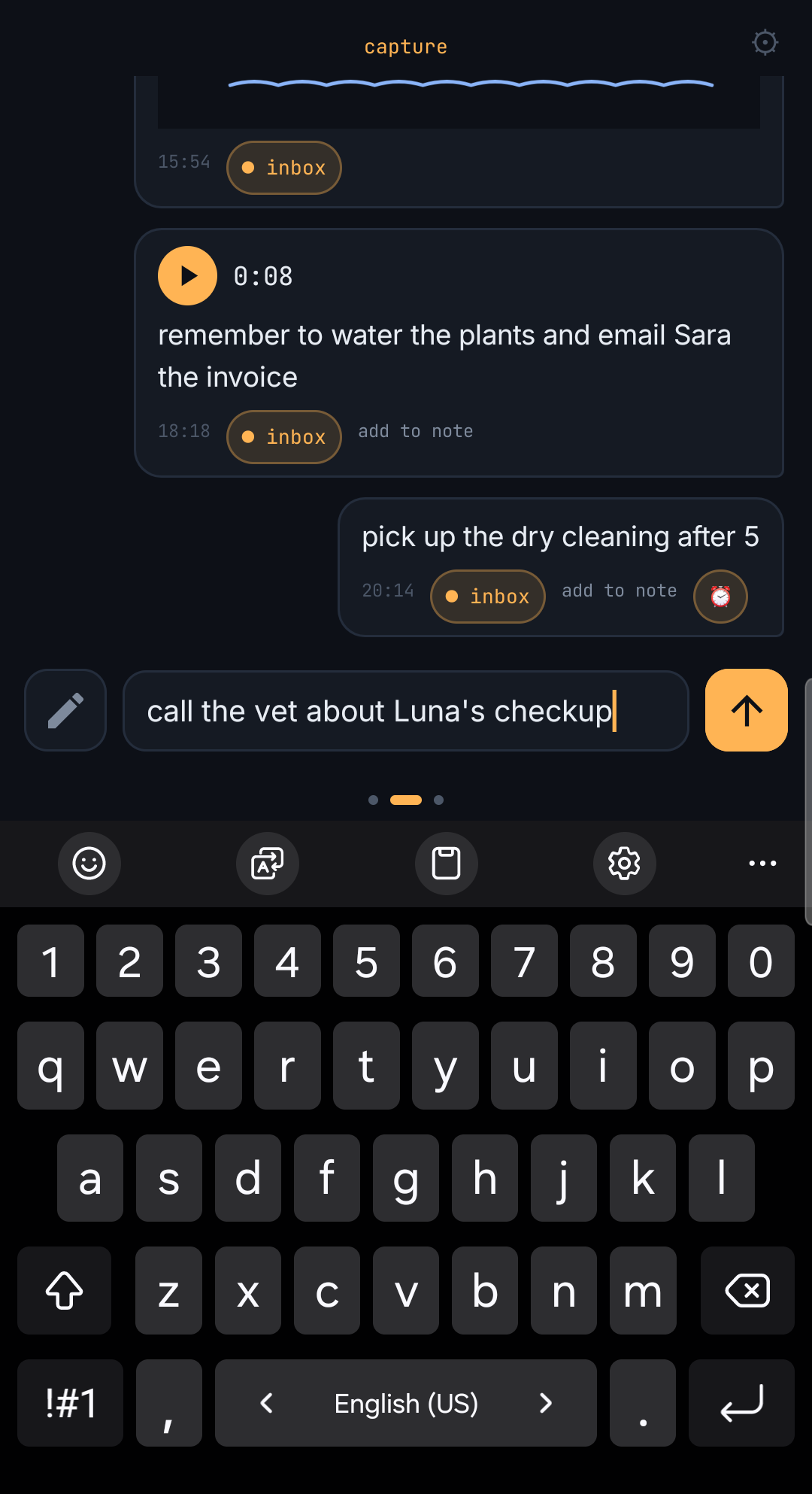
Type and send
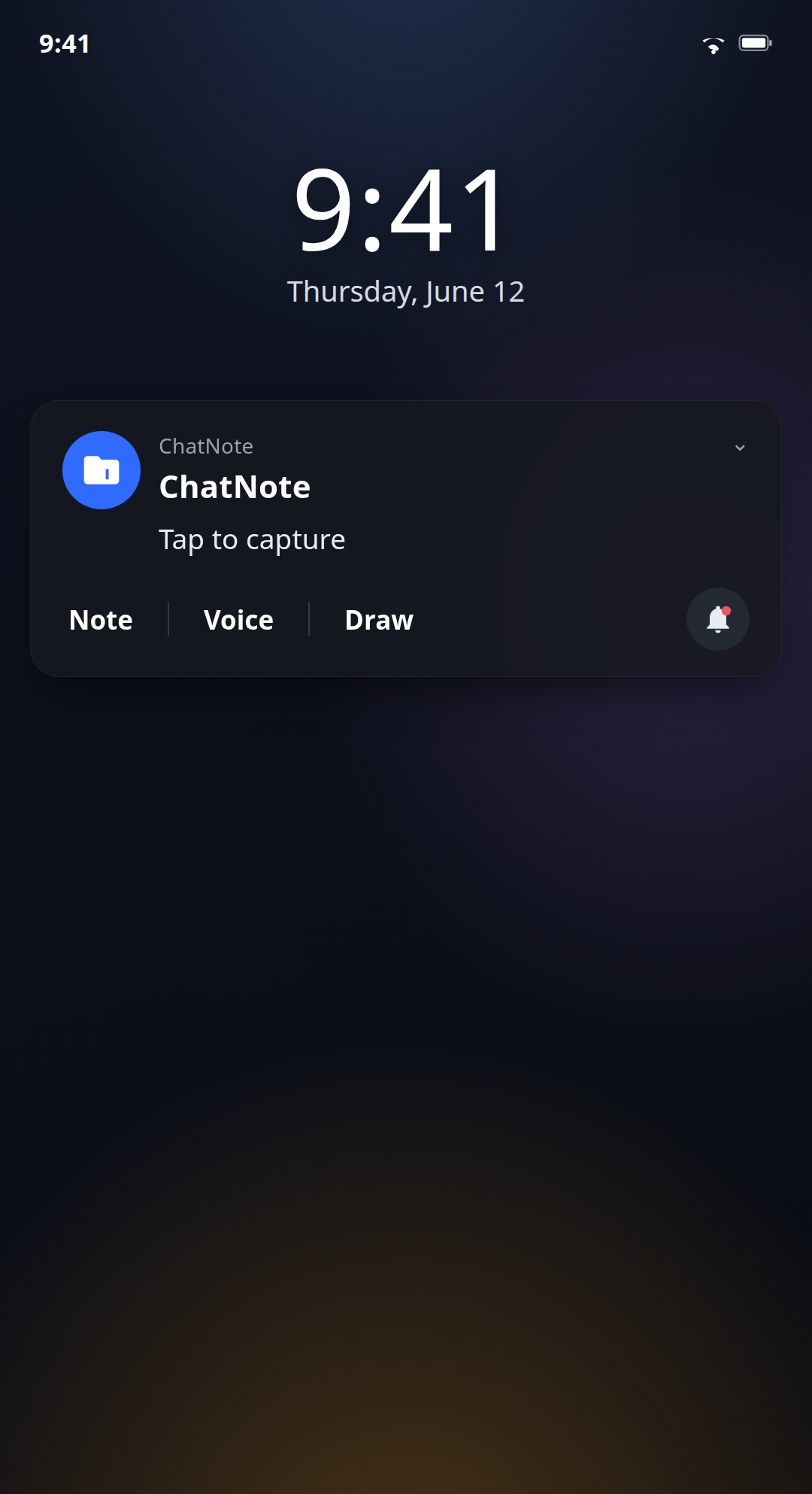
Like messaging yourself, minus the app that takes three seconds to open. Or write it straight from the notification, without opening the app.
Tap or hold to talk
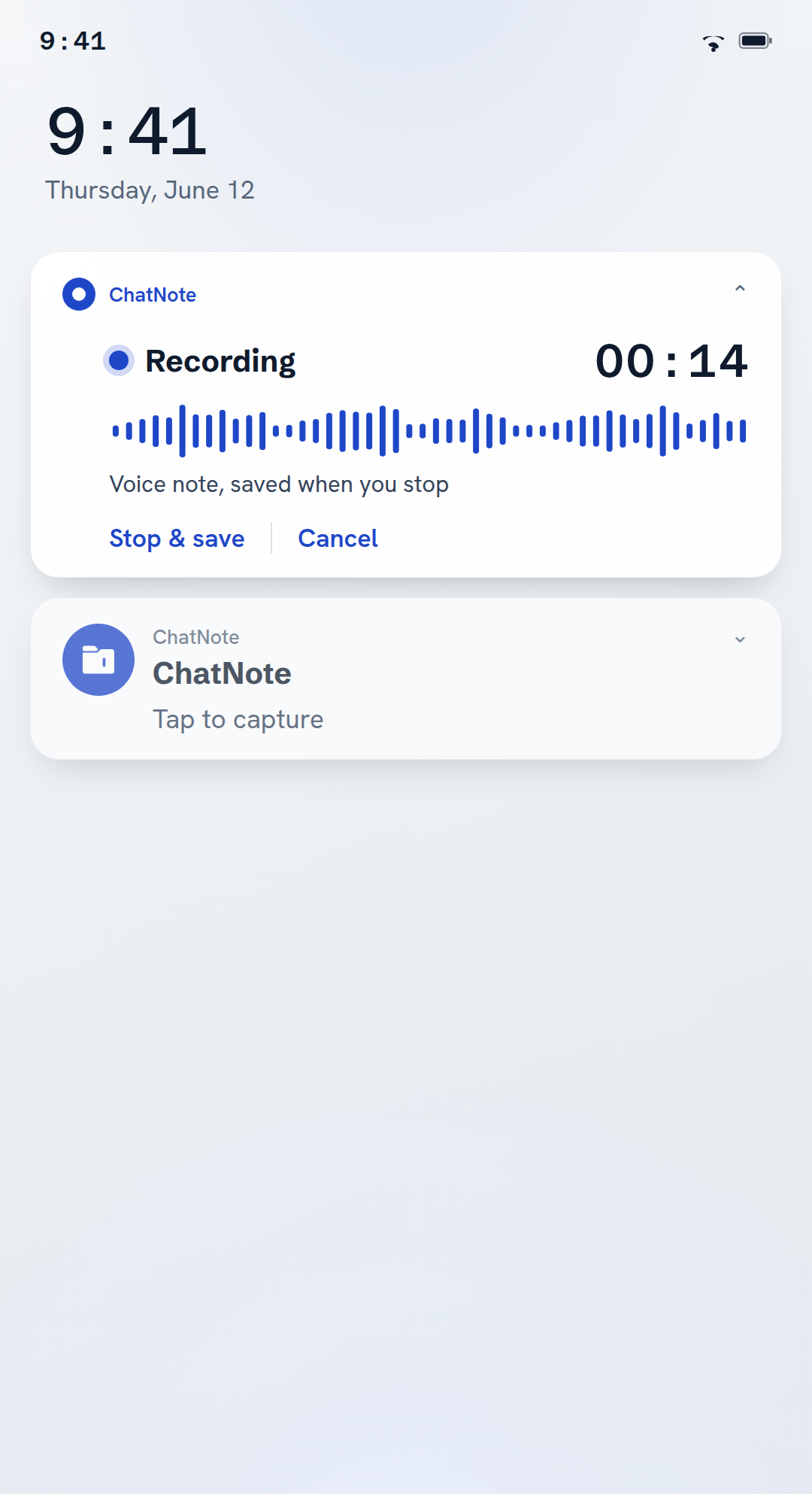
Tap the mic for hands-free, or hold, talk and release. From the notification, a live card shows the running time, with Stop & save and Cancel. It's transcribed on the phone, even in airplane mode; with Pro it can be transcribed in the cloud instead.
Sketch it
A diagram, a floor plan, a bad idea drawn quickly. Some thoughts aren't words.
It files, tidies and finds the to-dos. Only if you ask.
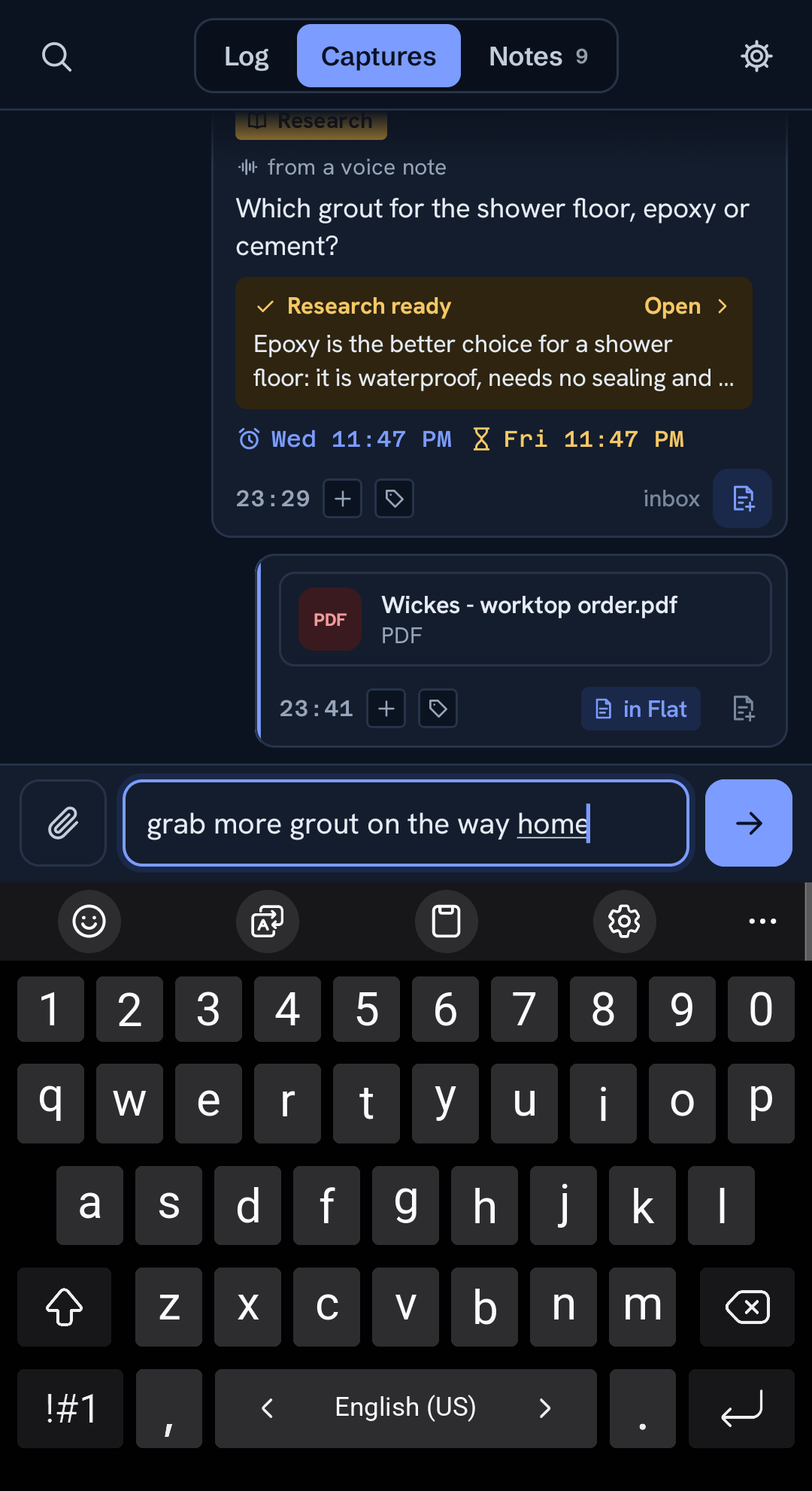
Turn on Pro and the AI files each capture into the right note and rewrites the pile into one clean document, matched to a template. It never touches your originals; the raw captures stay exactly as you wrote them, one tap back. Tag a capture Research to get a web-searched answer with sources, or Instruction to set how a note is written. A note that grew too big can be broken down into smaller ones. And if you'd rather do it by hand, that's the default.
Tag any capture Summarize and it shows as one short, concrete version, the original one tap away; Split turns one ramble into separate points. Actionables gathers every open to-do from all your notes, and Spot tasks flags the loose captures that are to-dos. Compact voice notes, a setting, shows every new voice note as its short version.
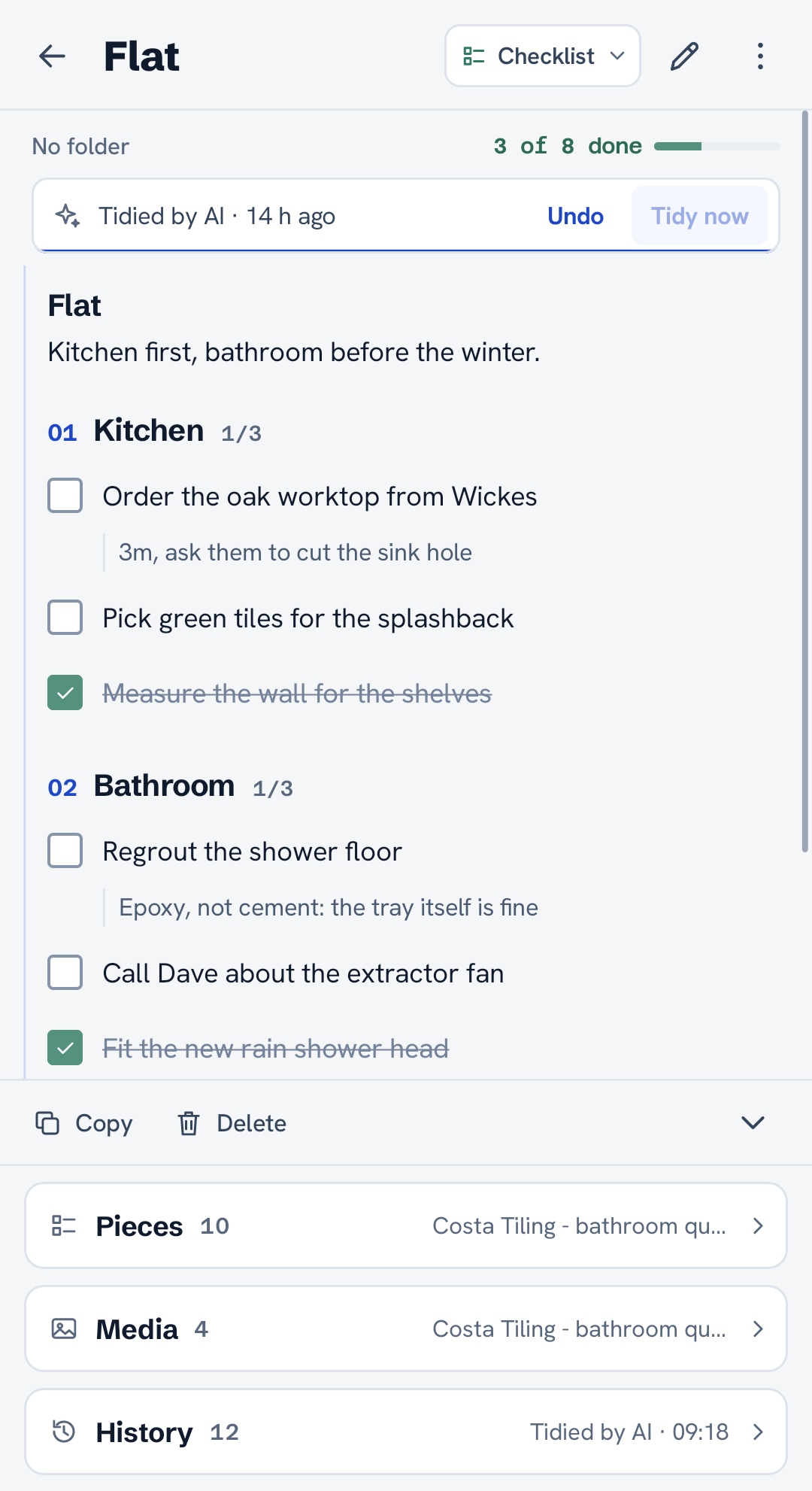
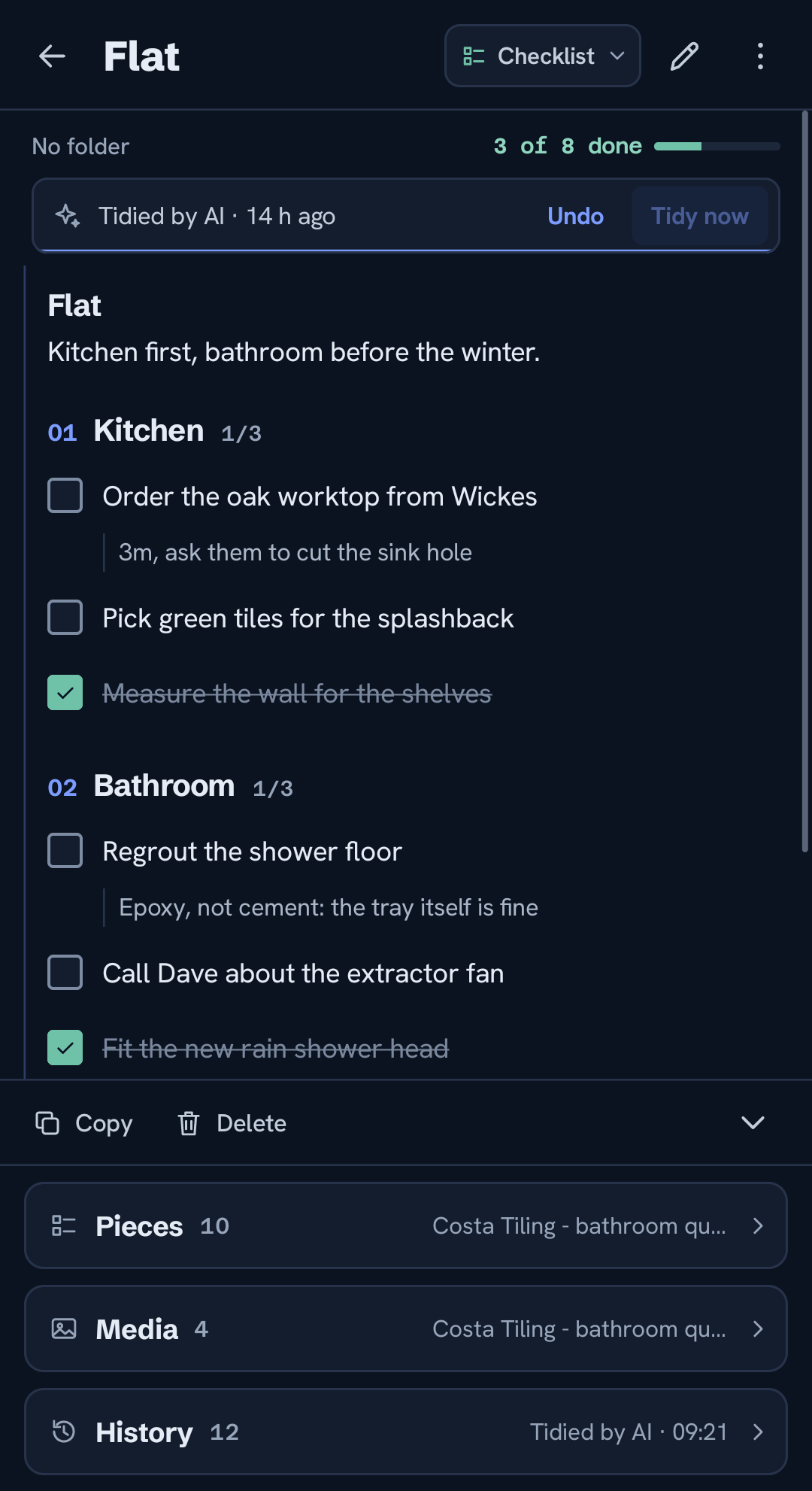
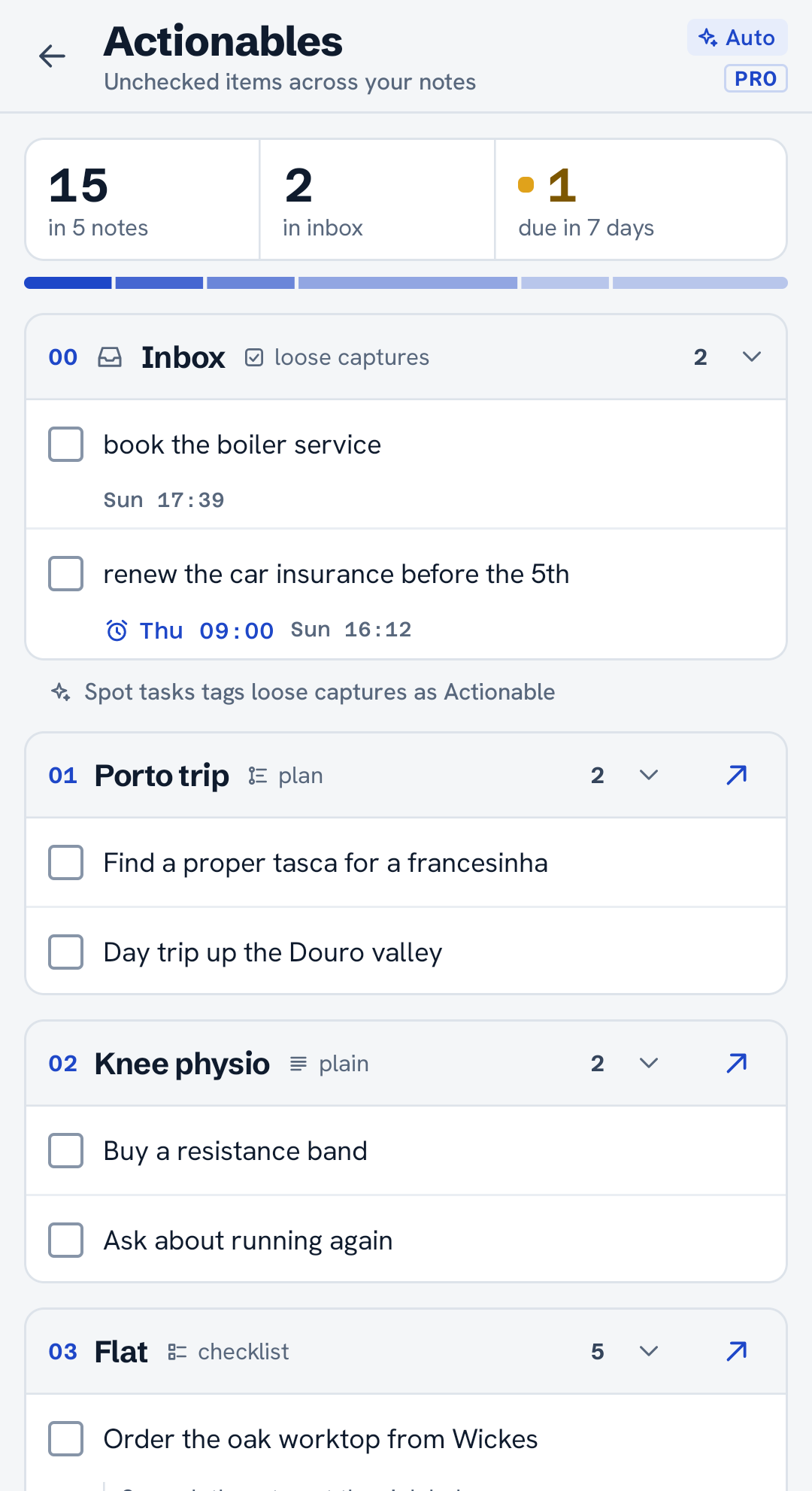
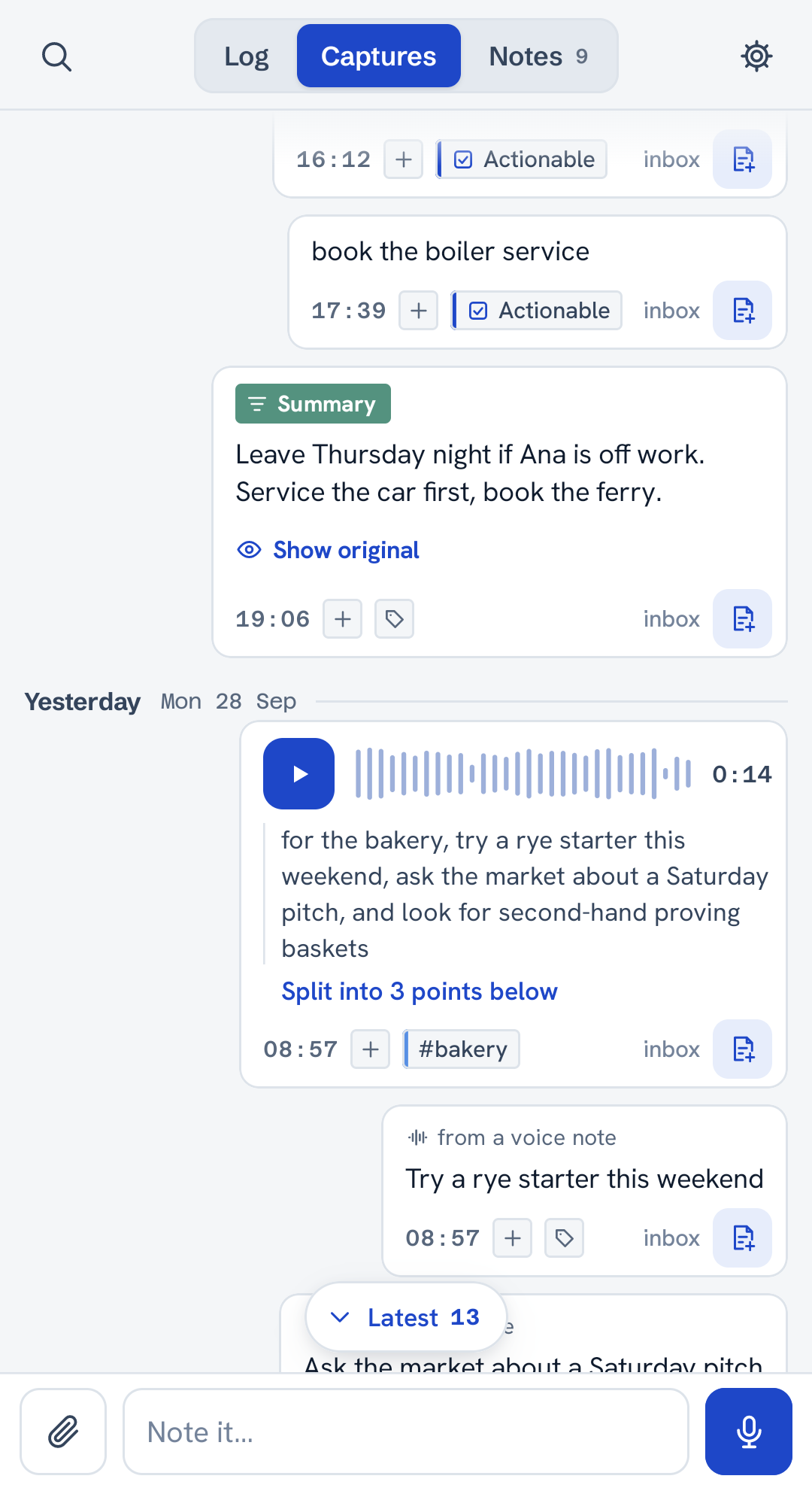
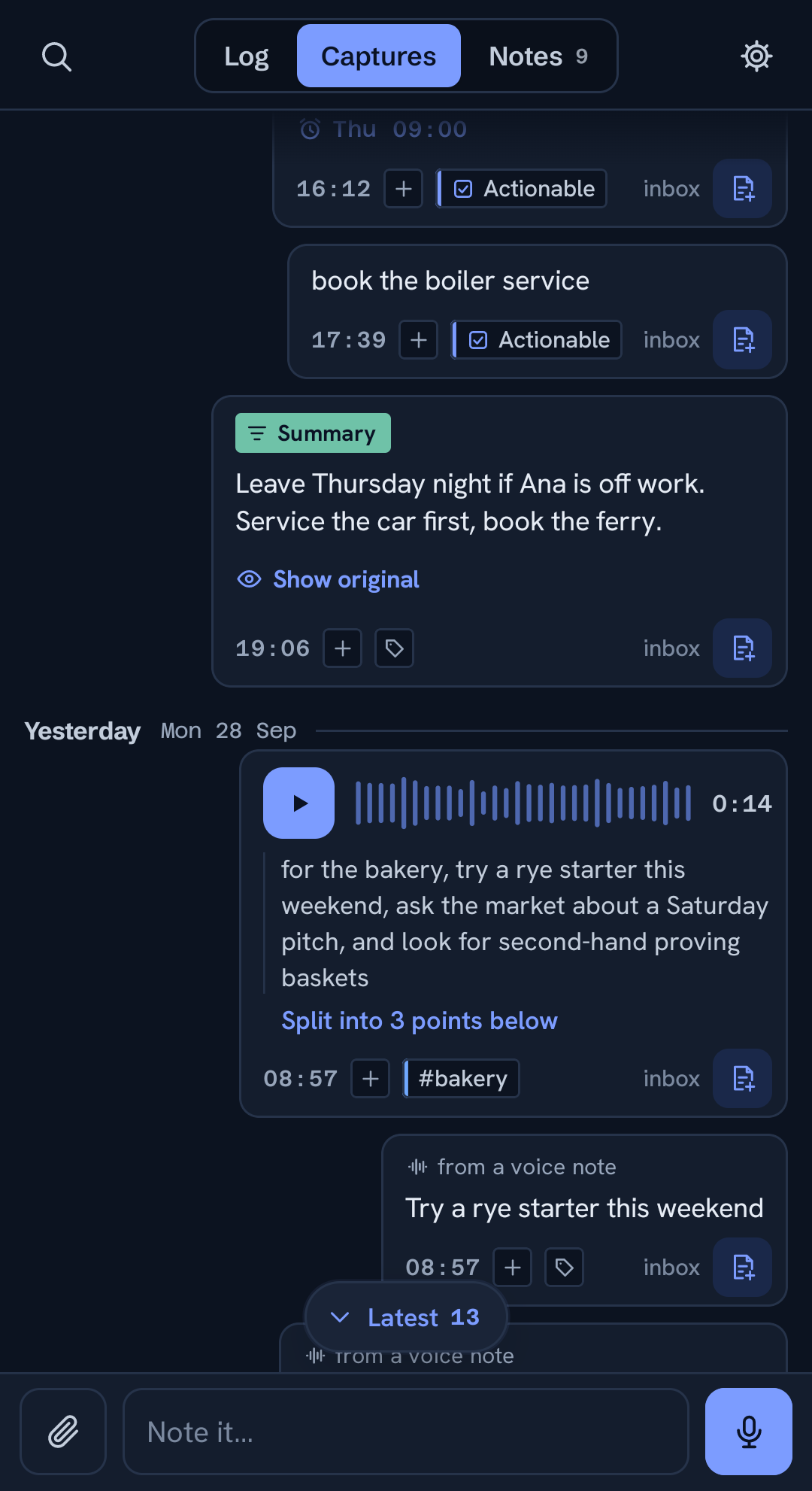
A checklist note with sections, ticks and task details
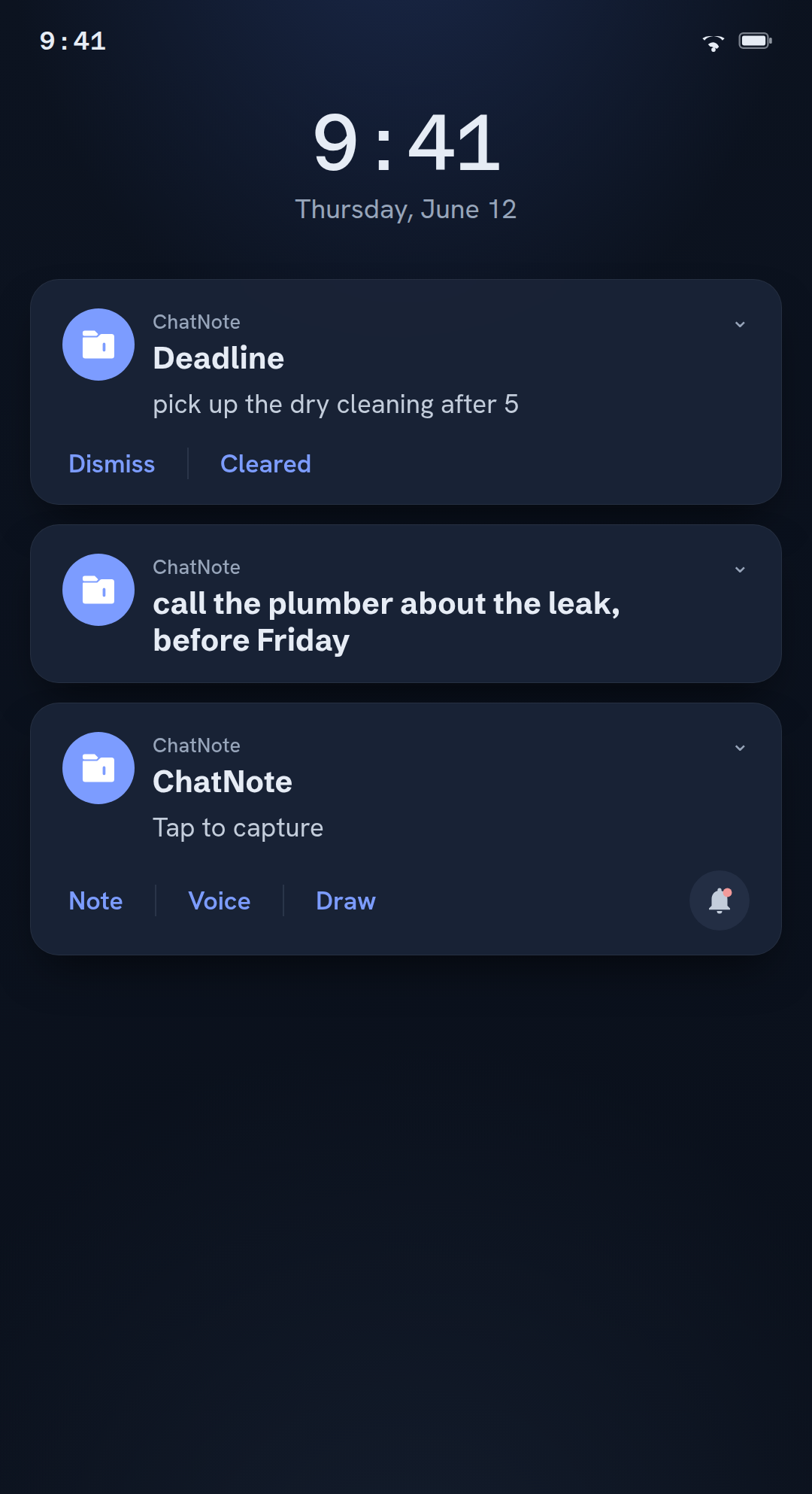
A reminder, or a deadline that keeps at it.
Tap + on any capture. A reminder nudges you at the time you pick. A deadline keeps reminding you until you mark it done. One screen lists every reminder and deadline you have set, so you can change or clear any of them. It all runs on your phone, free and offline.
With Pro, Suggested actions notice when a capture names a time, like "dentist fri at 10", and offer a reminder, a calendar event or an alarm. One tap sets it; nothing is set on its own.
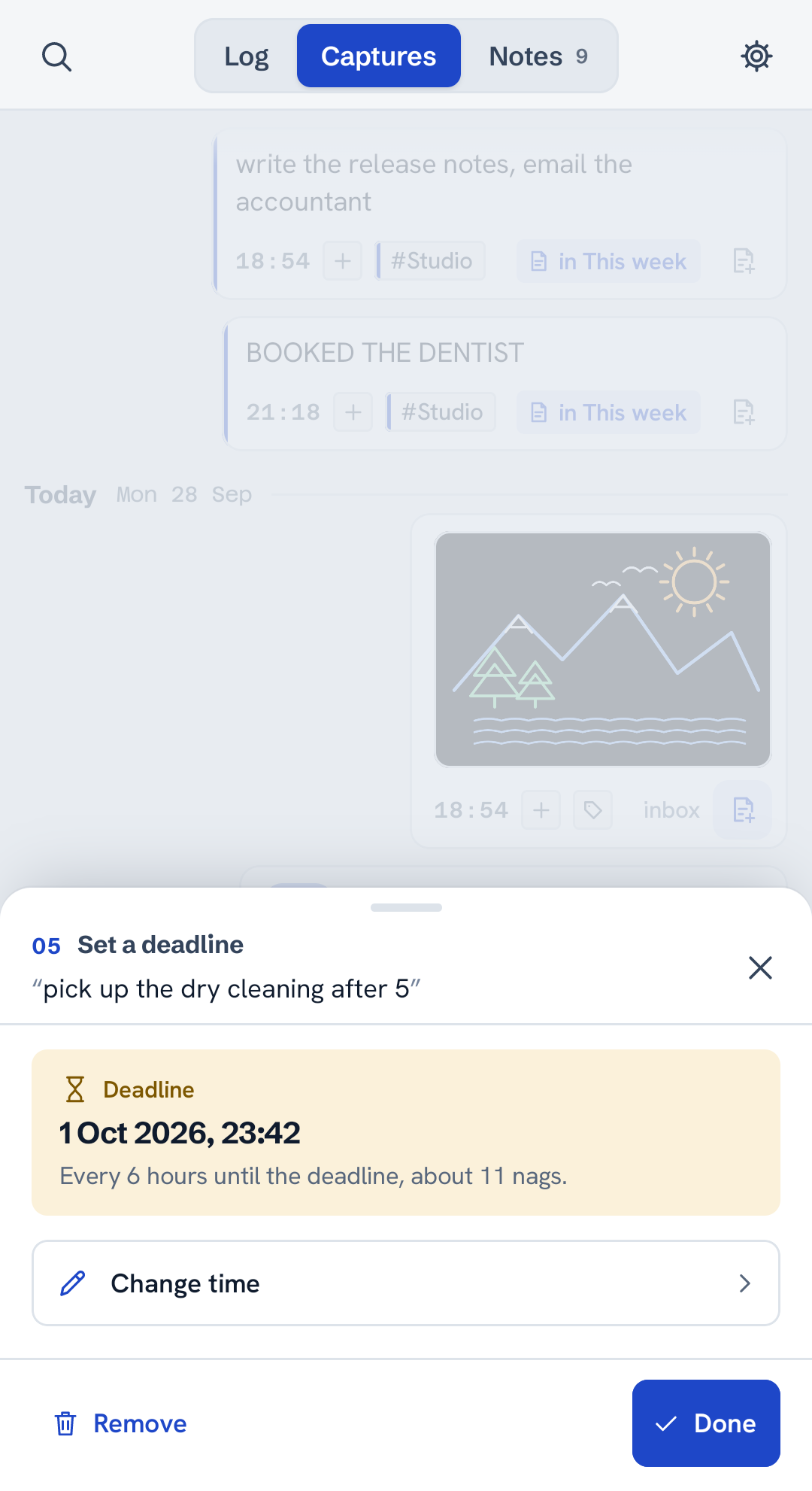
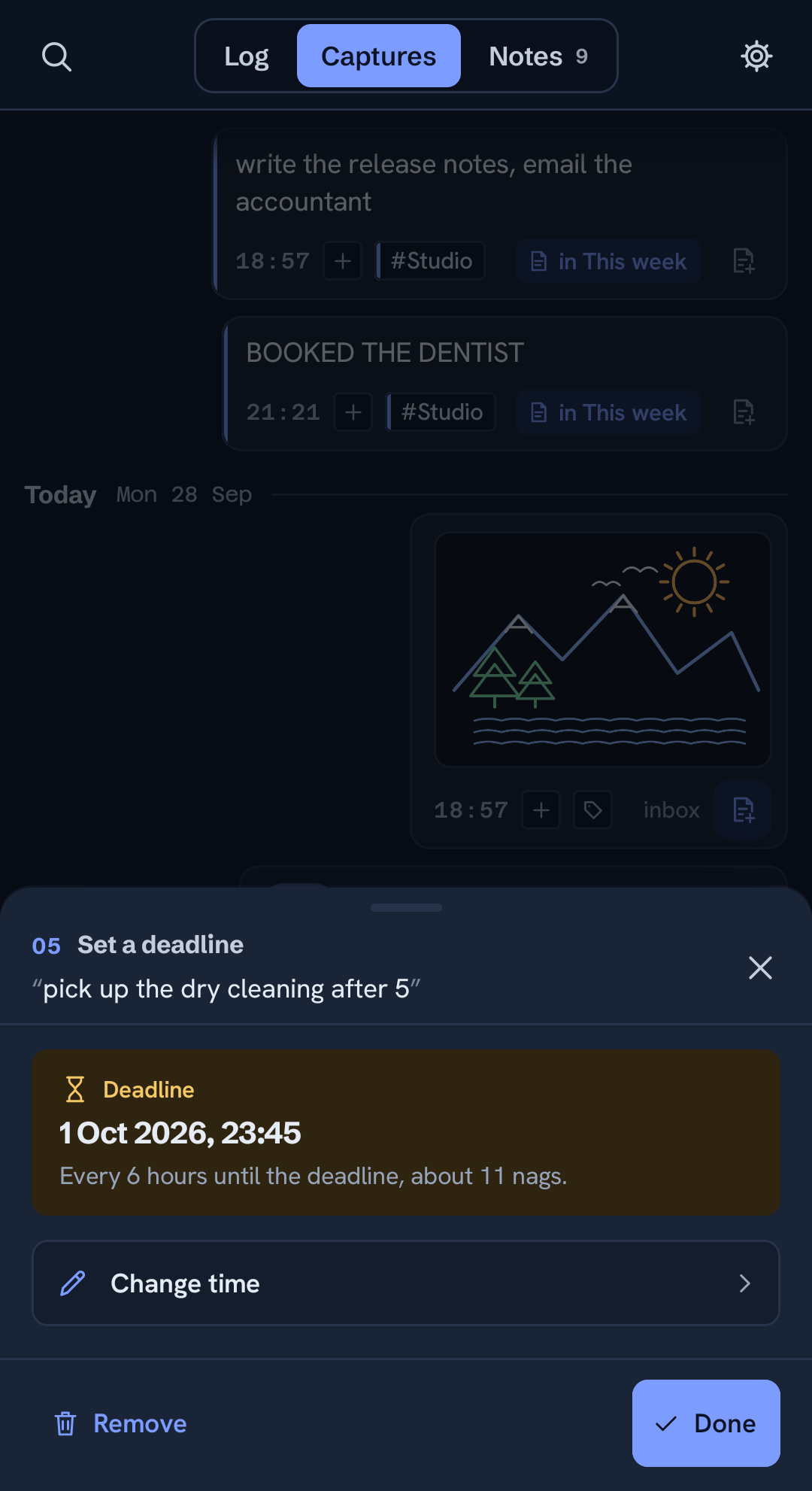
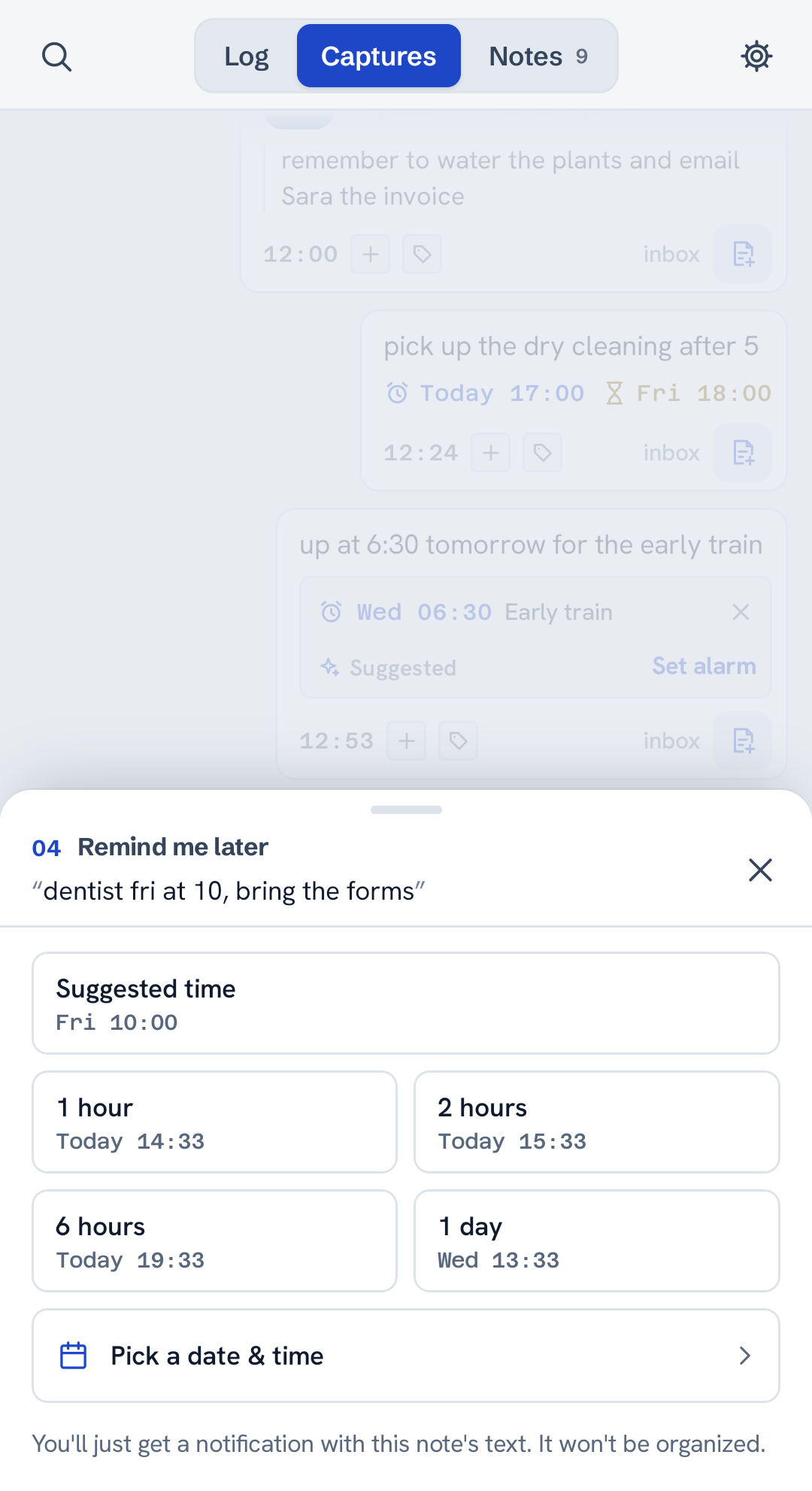
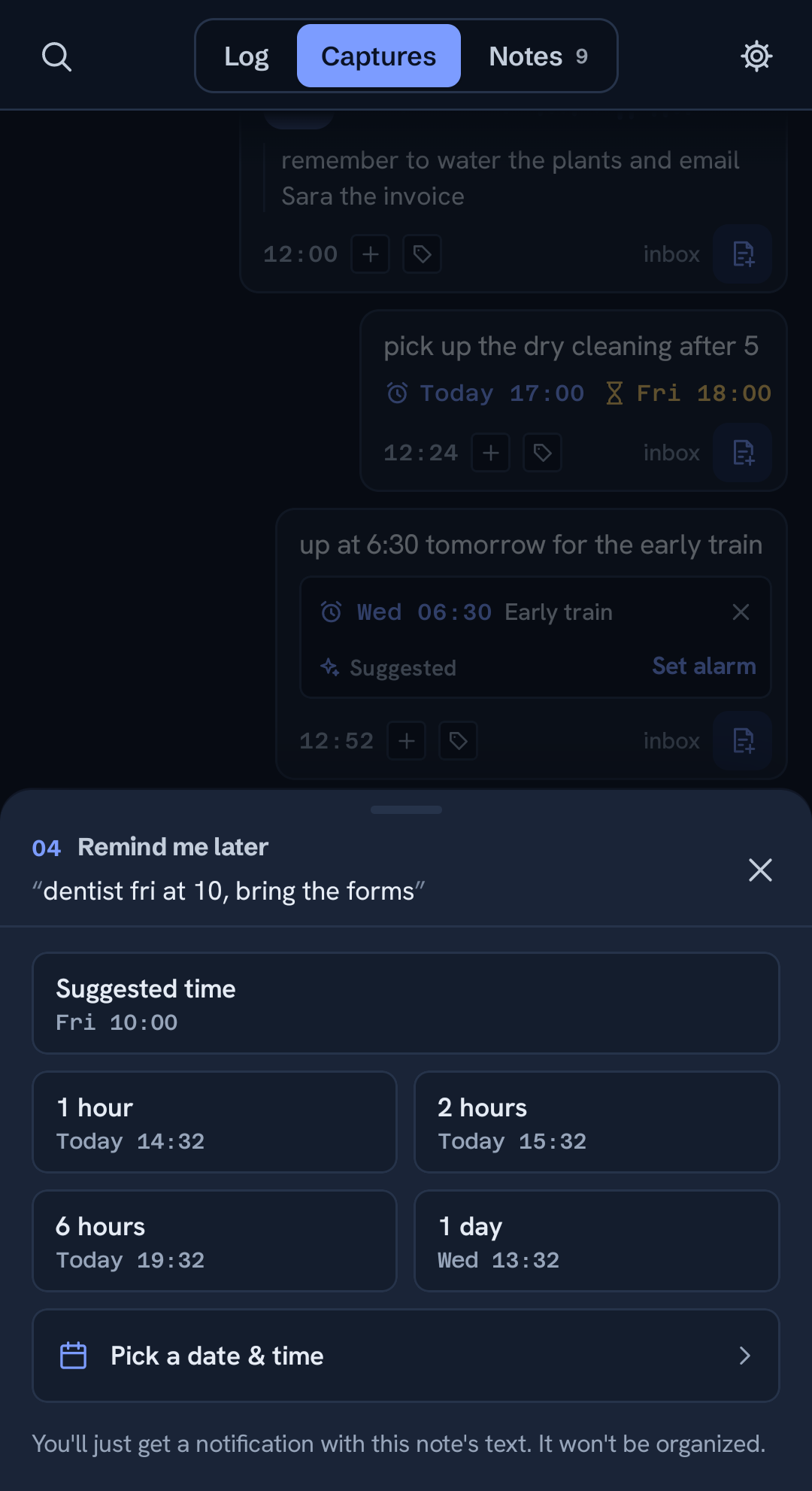
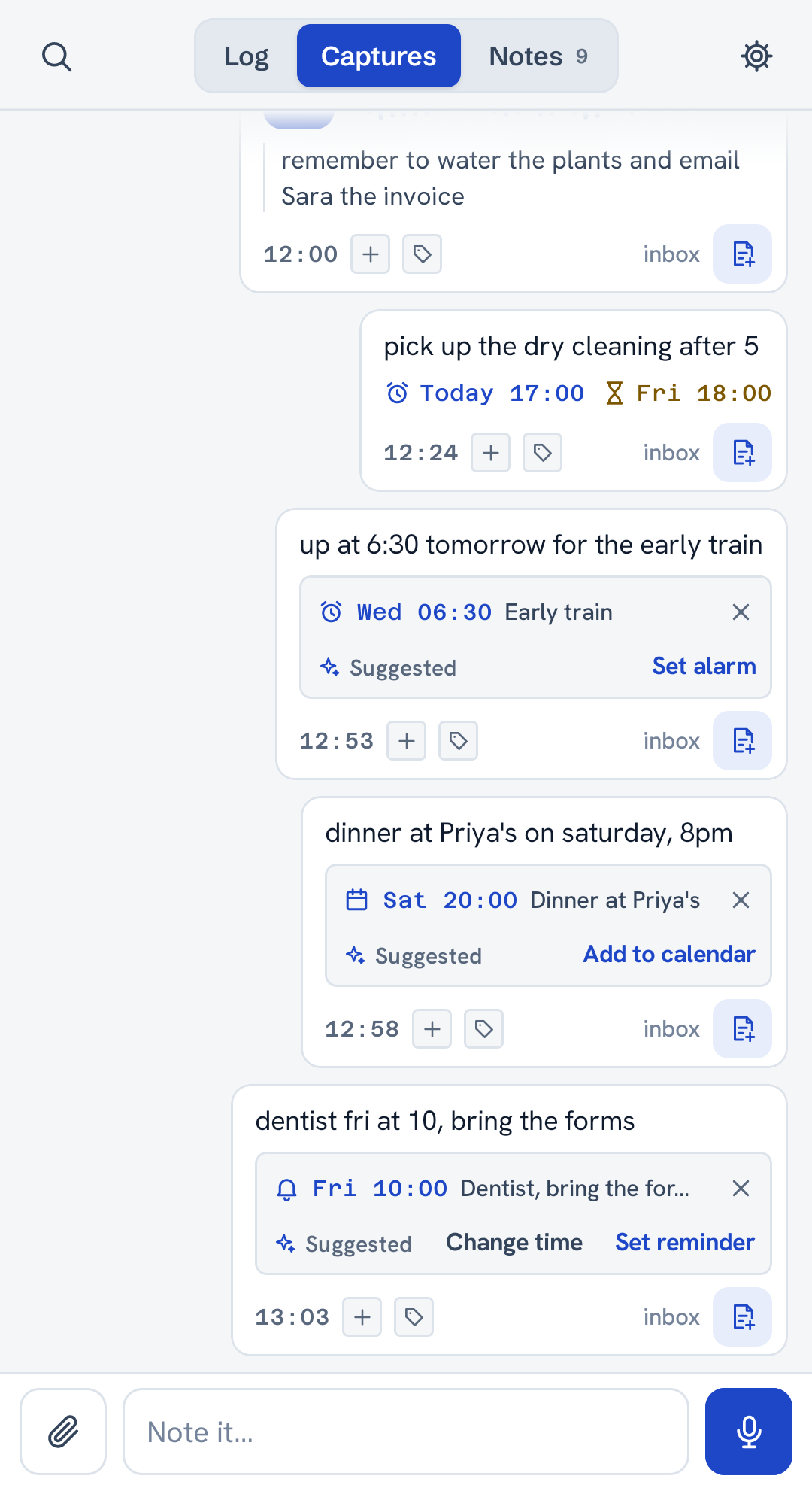
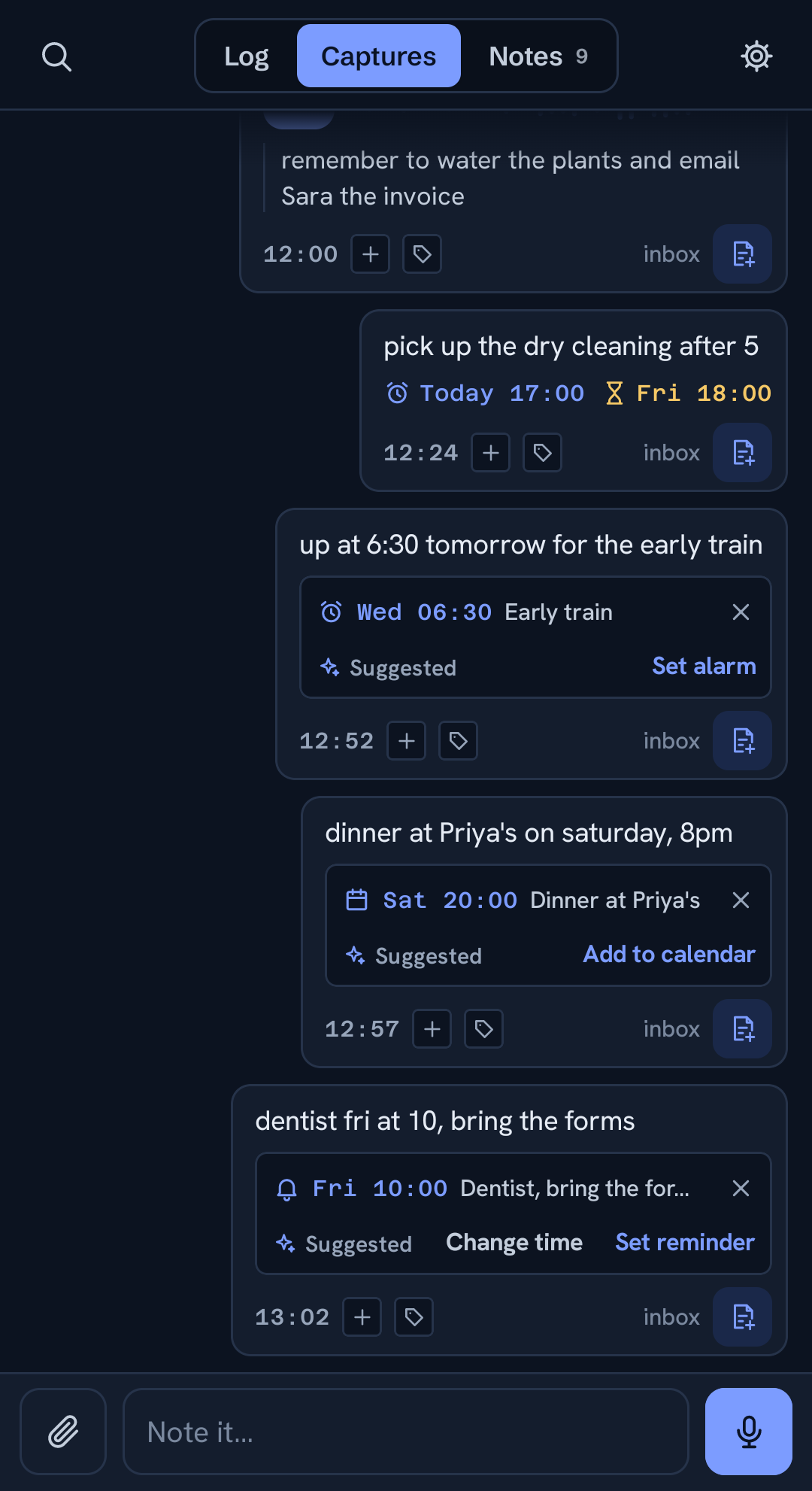
Setting a deadline on a capture
It lives on your phone, not ours.
The free version works fully offline. No account to create, nothing you write is uploaded, and it runs fine in airplane mode. Your notes are on your device, full stop. Cloud backup and sync exist if you want them, and they're free too, but you turn them on.
Voice notes are transcribed on your phone, and that works in airplane mode. With Pro, cloud transcription is faster and more accurate; you can turn it off in Settings.
You also decide per note. A note marked local only never leaves the phone; a note marked private is encrypted on the phone before it syncs, and cloud AI, the web viewer and the API link are off for it. One mode can cover the whole account, too.
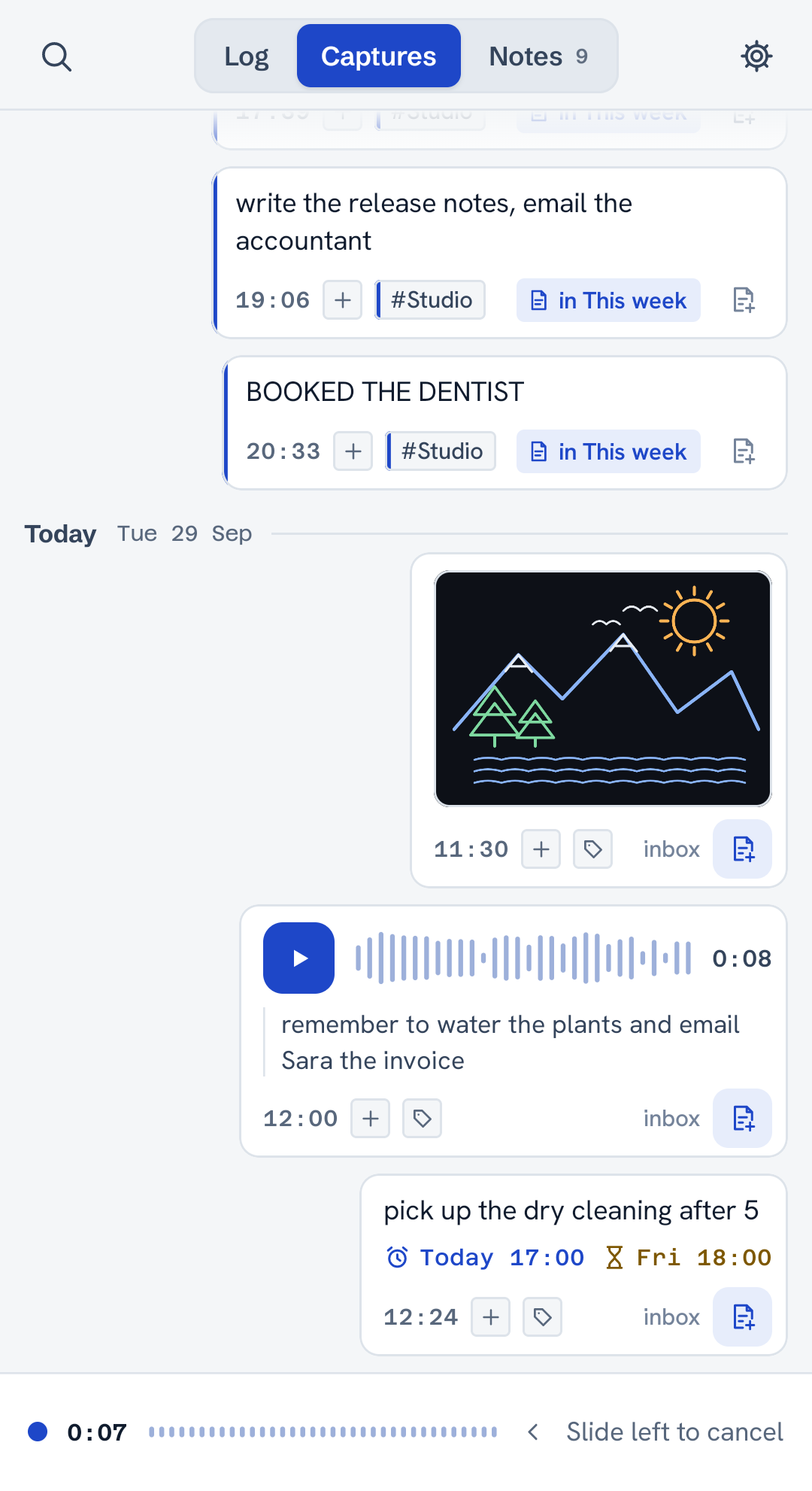
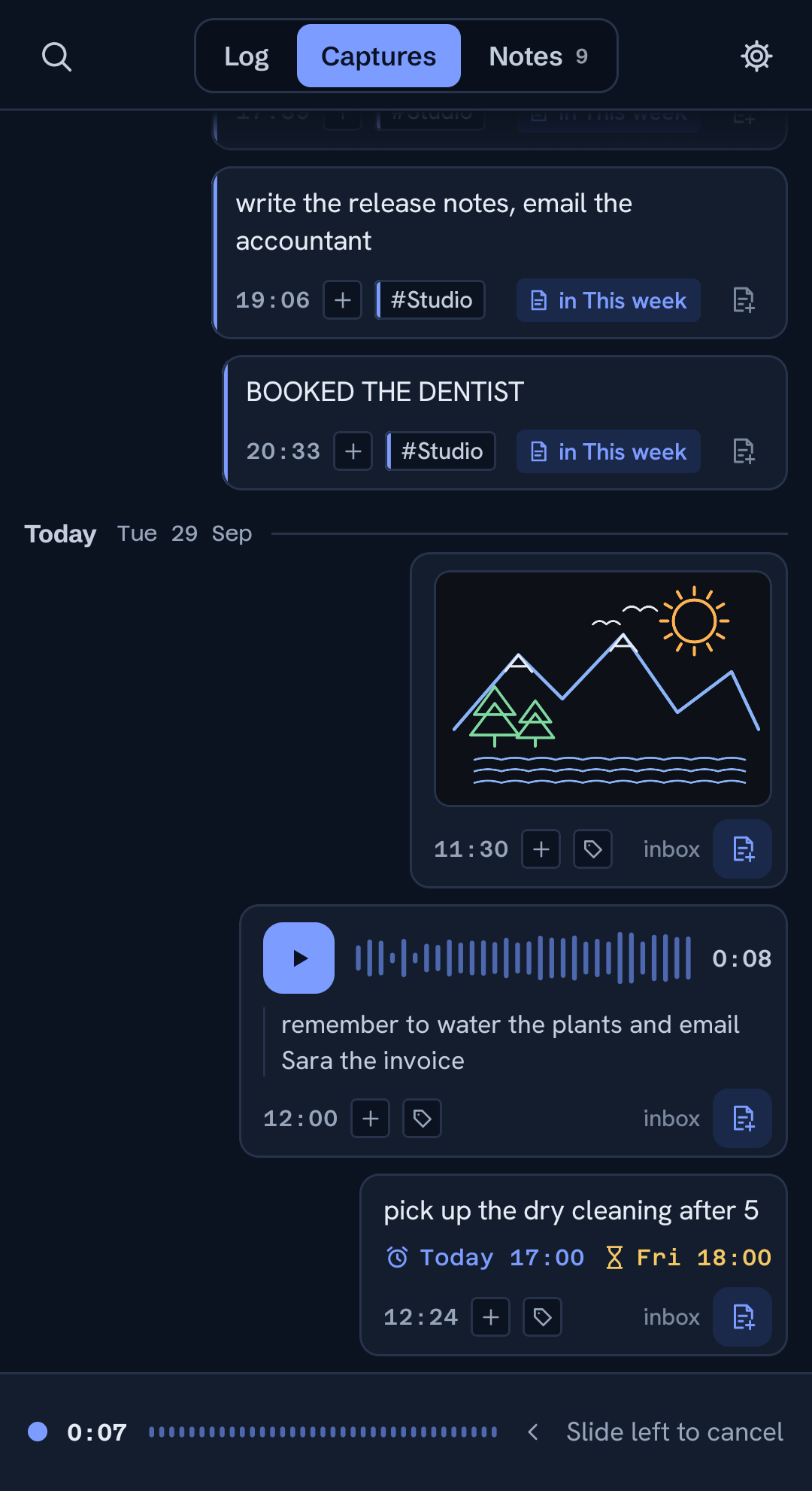
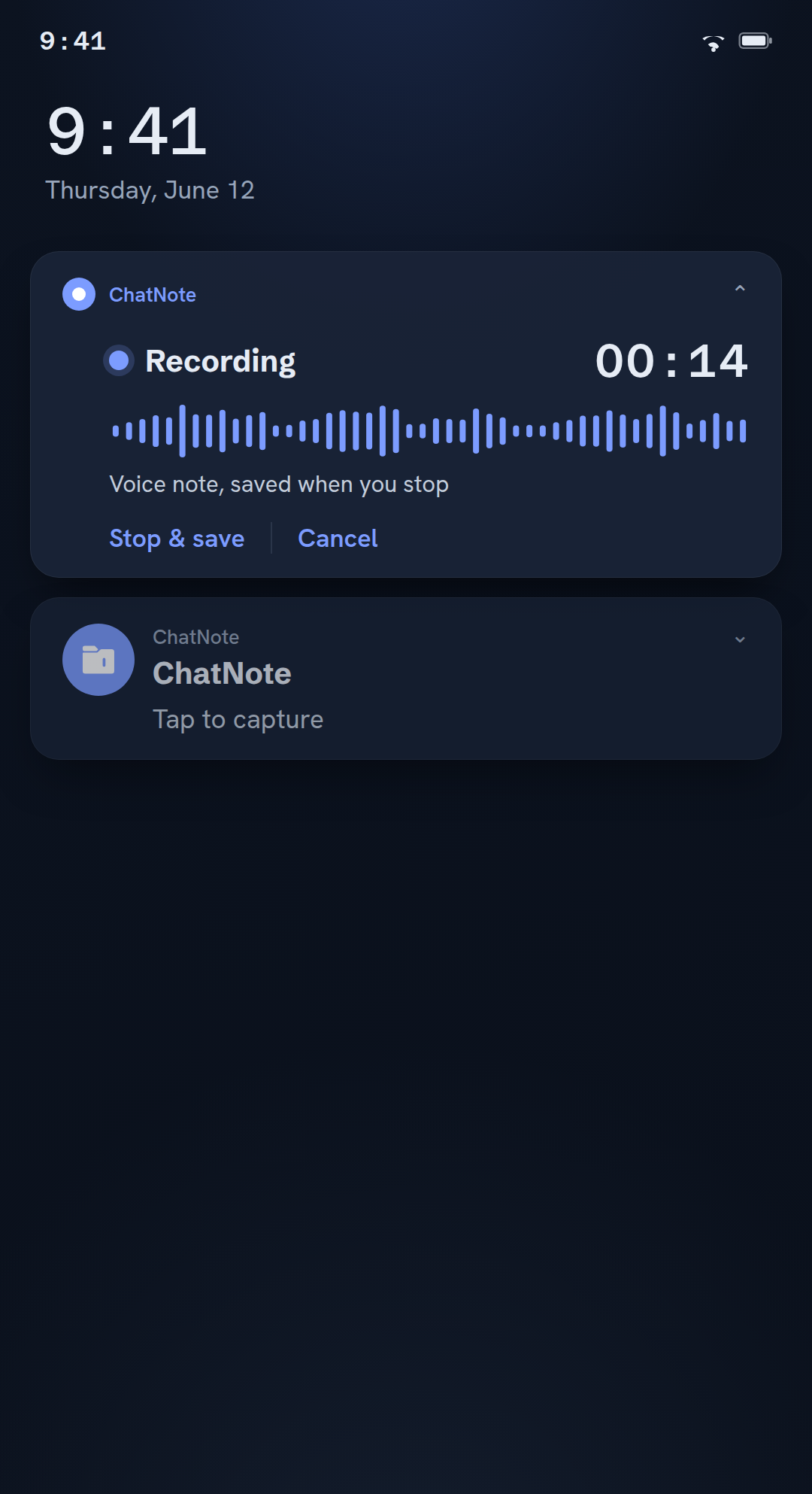
Recording a voice note in ChatNote
Every note keeps its whole life.
Edits don't replace what was there; they stack on top, each one dated and revertible. It's version history for your own thoughts, so you can rewrite a note without ever losing the messy first draft it grew from.
Deleted notes wait in a Trash you can restore from, and even a deleted capture stays in your log.
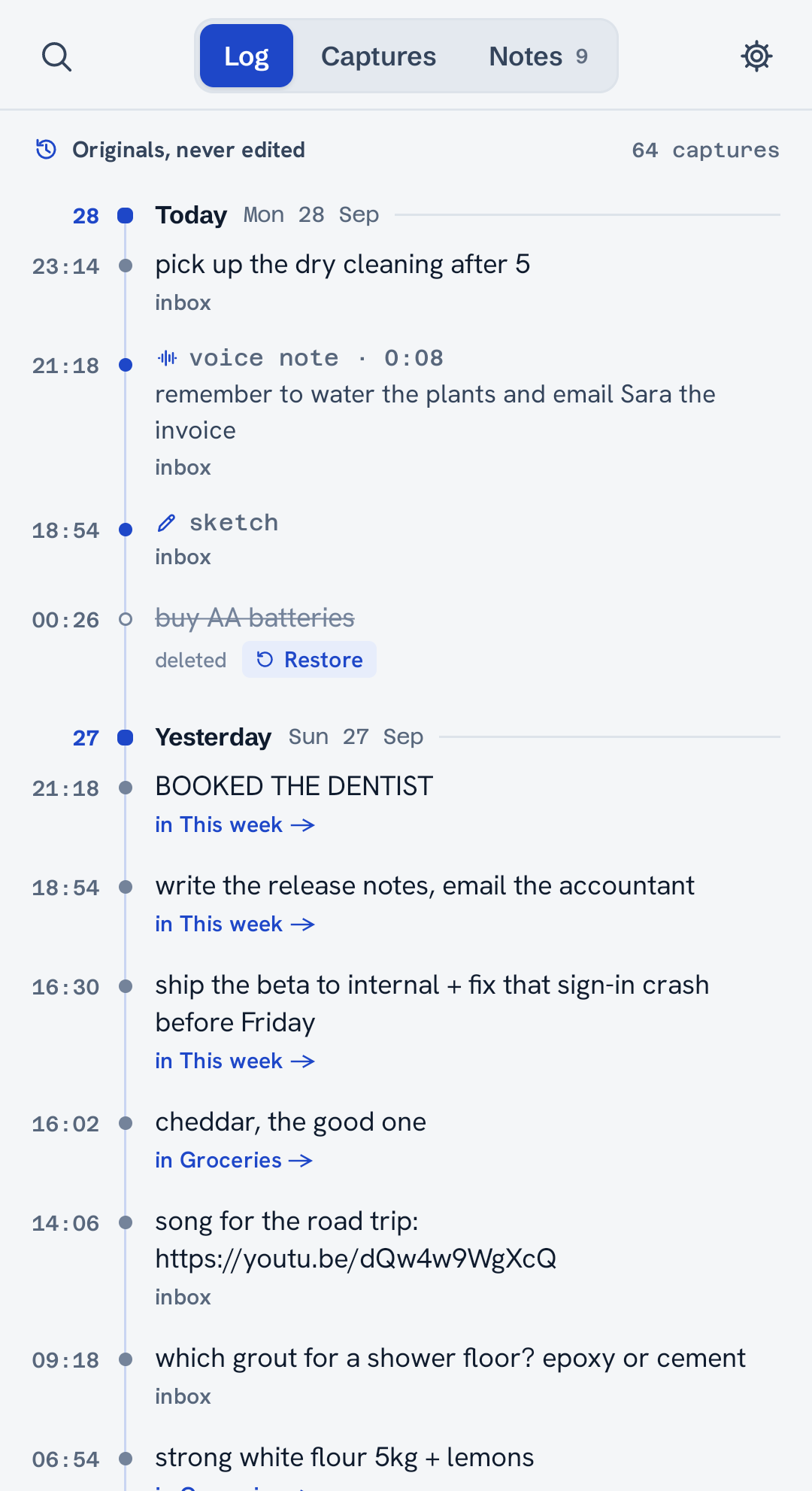
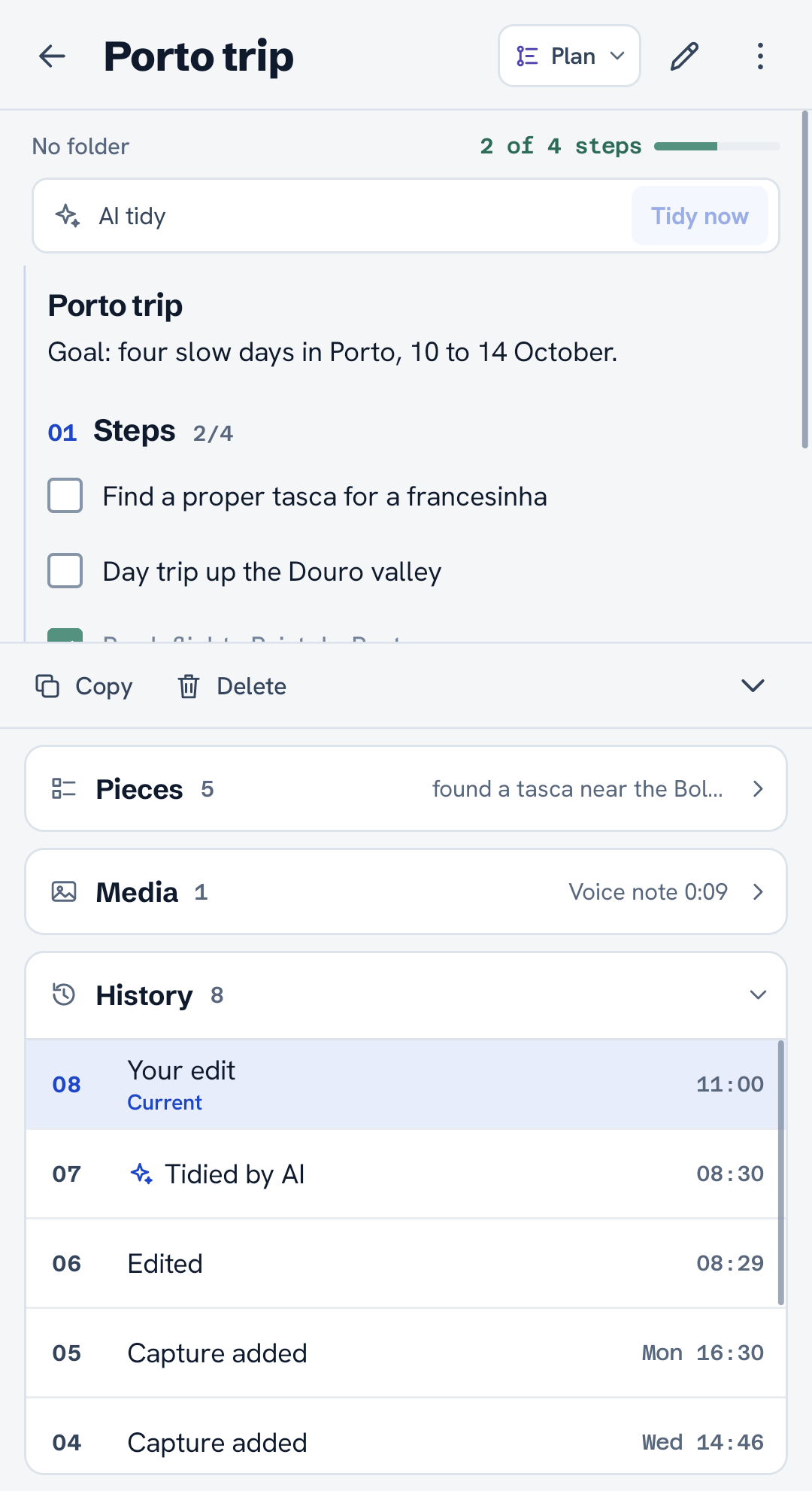
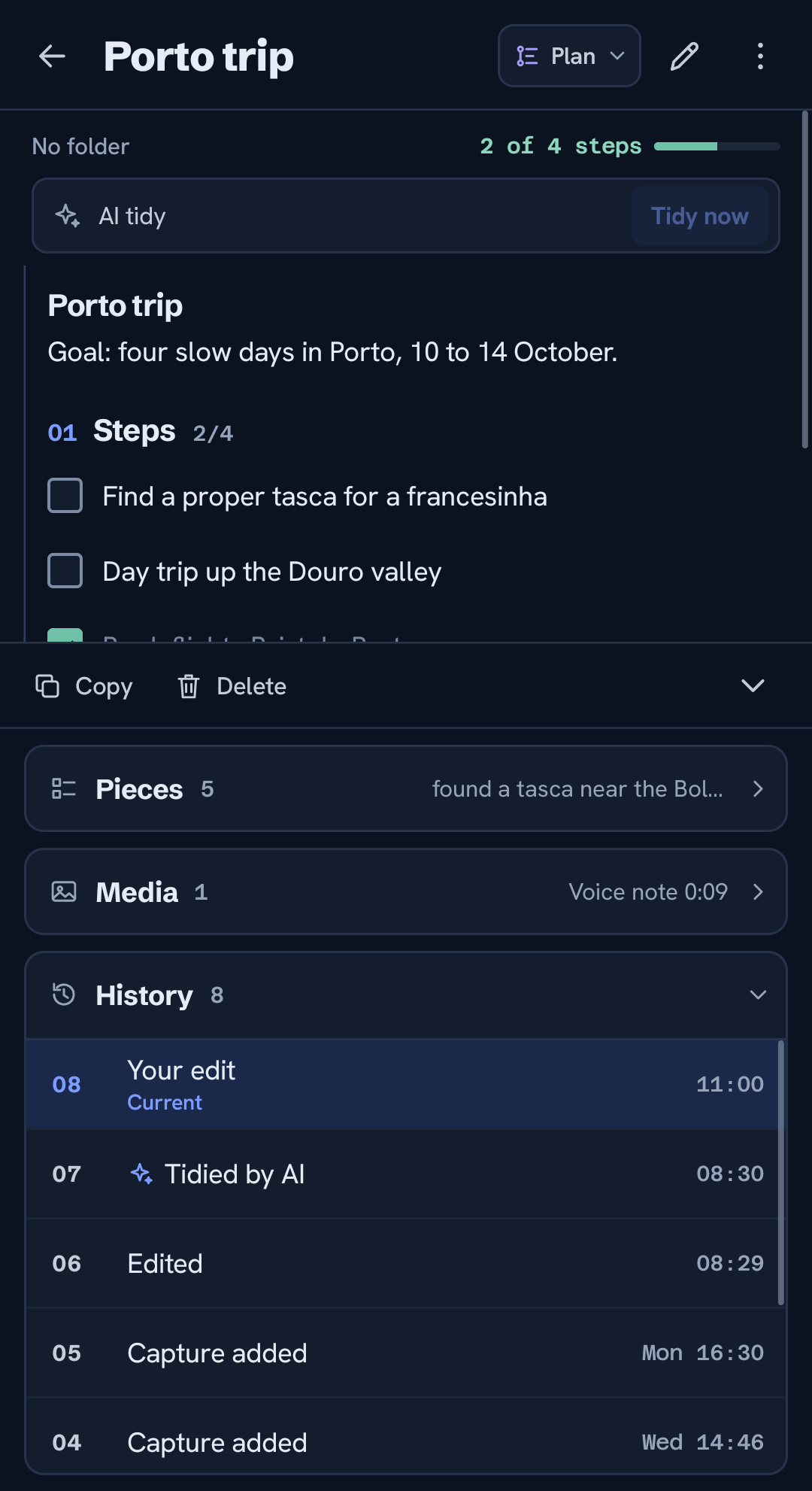
The log of every capture, in order, with nothing overwritten
Read, copy, and capture on the web.
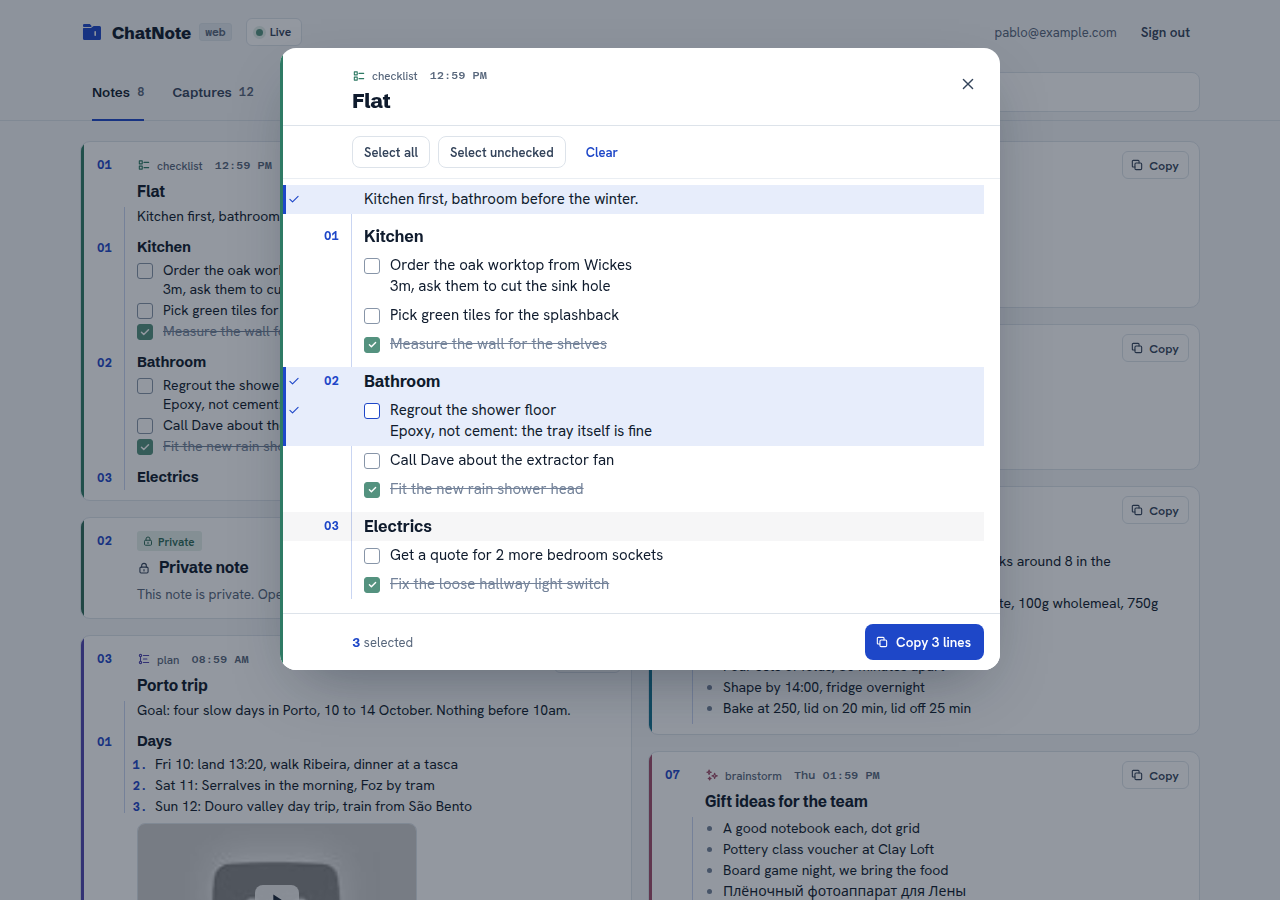
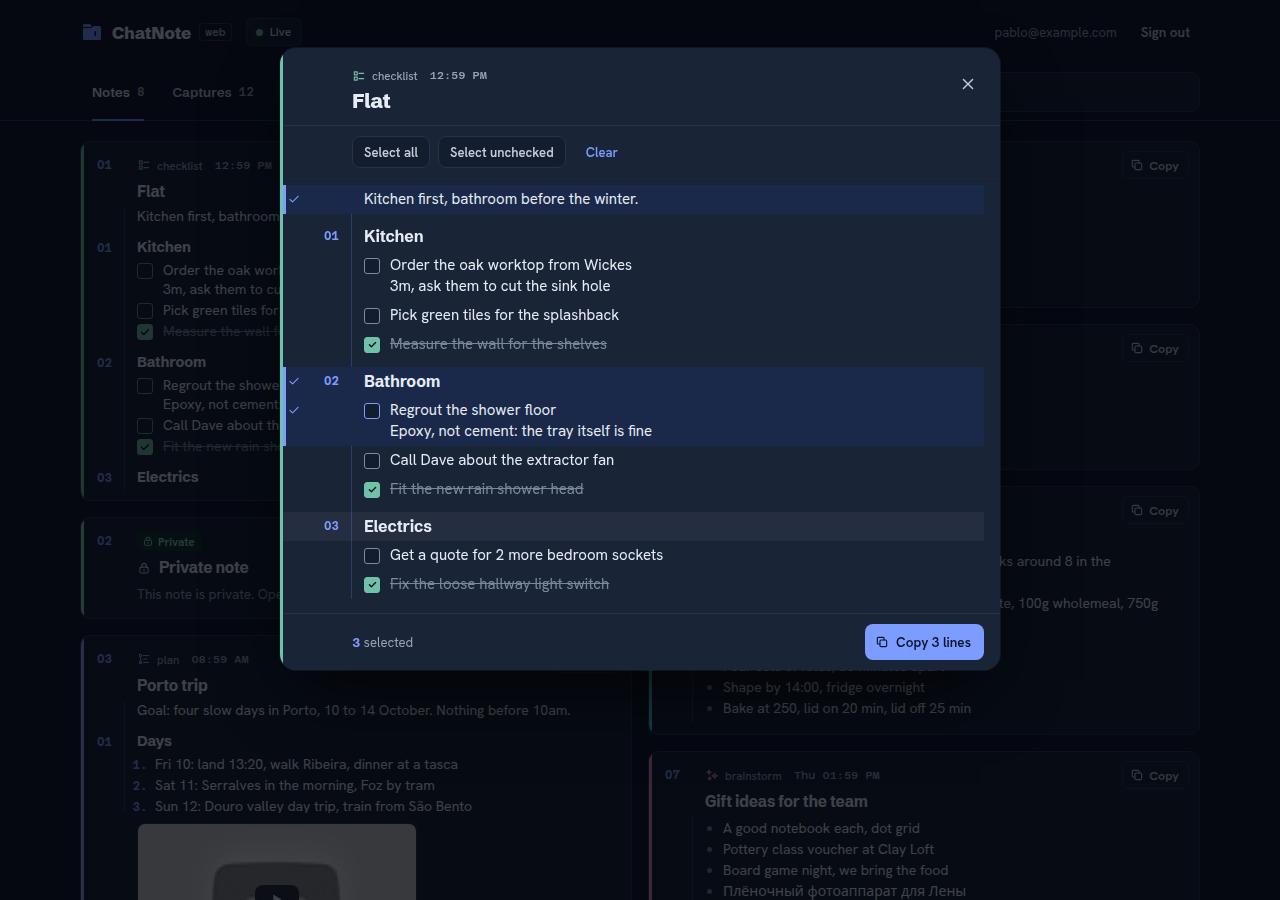
Sign in at app.chatnoteai.com to read and copy your synced notes from any computer, and jot new ones right there. It updates live as you capture on your phone, and it never edits or deletes what is already on your device.
Free does the important part.
Capture, voice, search, sync and private notes cost nothing. Pro is only the AI, and it stays optional.
Everything you capture stays on your phone until you choose otherwise.
- 01Instant capture: text, voice, drawing, photos, files and links, even from the notification
- 02On-device transcription, search by text or #tag
- 03Tags, folders, full note history
- 04Reminders and deadlines on any capture
- 05YouTube links show their title and thumbnail
- 06Free cloud backup, sync, and web access
- 07Local-only and private notes, or Private sync for everything
- 08No account required to start
Optional AI that files, tidies and answers. Your originals never change.
- 01Everything in Free
- 02AI sorts captures into the right note
- 03Rewrites notes into clean documents: plan, checklist, concept
- 04Suggested actions: a time in a capture offers a reminder, an event or an alarm
- 05Summarize and Split: a short version of any capture, or separate points
- 06Research: web-searched answers with sources
- 07Instructions: tell the AI how a note should read
- 08Break down a note that grew too big
- 09Actionables and Spot tasks: every open to-do in one place
- 10API link: a read-only address for your own AI assistant or any app
- 11Cloud transcription, and AI save mode to make credits last
- 1215-day free trialcancel in Google Play
Prefer no cloud at all? Local mode runs an AI model you choose on your phone, free.
Every feature
Everything ChatNote does today, in one place. Items marked Pro need the subscription; those marked Pro or Local also work free with an AI model on your phone.
Show all featuresHide all features62in 7 groups: capture, voice, notes, AI, privacy, sharing, languages
01Capture14
- 01Opens straight into typing, keyboard up, with no splash and no login
- 02Text captures, sent like a message to yourself
- 03Tap the mic to record hands-free, or hold, talk and release
- 04Quick drawings: a pen, an eraser that cuts strokes, a thickness slider and 18 colours
- 05Photos from your gallery, with pinch zoom and drawing on top; they stay on your phone
- 06Attach a file or a link as a capture; the file stays where it is on your phone
- 07Home-screen widget, Quick Settings tile and long-press shortcuts
- 08Share to ChatNote from any app
- 09An optional capture notification: write or record from it without opening the app
- 10While you record from the notification, a live card shows the running time, with Stop & save and Cancel
- 11Reminders on any capture
- 12Deadlines that keep reminding you until you mark them done
- 13Every reminder and deadline on one screen
- 14YouTube links show their title and thumbnail
02Voice6
- 01Transcribed on your phone in many languages, even in airplane mode
- 02Choose the transcription language, follow the app's, or detect it automatically
- 03Cloud transcription: on by default, off with one switch in SettingsPro
- 04Split a rambling voice note into separate pointsPro
- 05Compact voice notes: every new voice note shows as its short version, the recording a tap away (a setting)Pro
- 06Voice notes play inside their note, next to its files and drawings
03Notes and organizing13
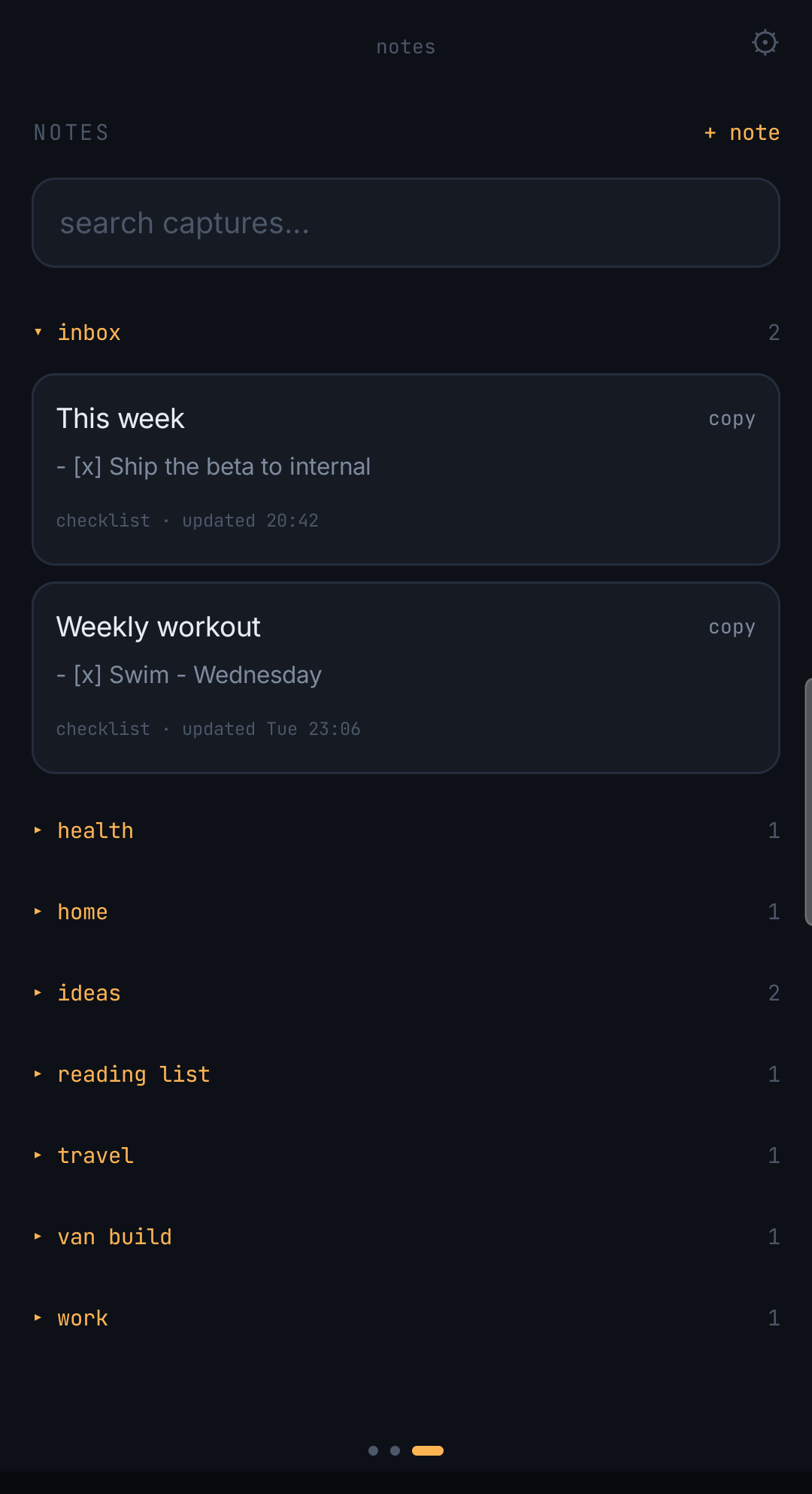
- 01Collect captures into notes, by hand or filed by the AI
- 02Templates: plain and checklist for everyone; plan, concept and brainstorm shaped by the AIProor Local
- 03Checklists you tick in place, with task details indented under their task
- 04Folders for notes, collapsible and remembered
- 05Tags on captures, each with a short description of what belongs in it
- 06Search your captures by text or by #tag
- 07The log: every capture in order, never edited, searchable and selectable
- 08Pieces: see which captures a note is made of, hide one or bring it back
- 09Auto-hide old pieces, with a per-note opt-out
- 10Every edit is a dated version: step back through the history and undo
- 11Trash: restore a deleted note, or delete it forever
- 12Actionables: every open task from all your notes in one placeProor Local
- 13Short first-run tips, which you can show again
04AI, optional14
- 01One AI setting: off, cloud with Pro, or Local on your phone
- 02Files each new capture into the note it belongs toPro
- 03Tags captures that match your tag descriptionsPro
- 04Spot tasks: tags the captures that are things to do, so they show in ActionablesPro
- 05Tidies a pile of captures into one clean note that fits its template, and keeps your own editsProor Local
- 06Tidy now, whenever you wantProor Local
- 07Research: tag a capture research and get an answer searched on the web, with sourcesPro
- 08Instructions: tag a capture instruction to set how its note is writtenPro
- 09Summarize: tag any capture and it shows as one short, concrete version, the original one tap awayPro
- 10Suggested actions: a capture that names a time offers a reminder, a calendar event or an alarm; one tap, never on its ownPro
- 11Break down a note that grew too big into smaller ones, as a proposal you acceptPro
- 12AI save mode: tidy 1, 2, 4 or 8 times a day to make credits lastPro
- 13Local mode, experimental and free: an AI model you choose tidies notes on your phone
- 14Every AI change is dated and reversible, and your original captures are never changed
05Privacy and sync8
- 01No account needed: without one, nothing you write leaves your phone
- 02Works fully offline, even in airplane mode
- 03Free with an account: backup and sync across your devices
- 04Free with an account: a read-only web viewer at app.chatnoteai.com, updated live
- 05Local-only notes: a note and its captures stay on your phone and leave the cloud
- 06Private notes: text, captures, recordings and drawings encrypted on your phone before they sync
- 07Account modes: Sync, Private sync (every note private) or On this phone only (nothing in the cloud)
- 08A recovery code opens your private notes on another phone, and it is never sent to us
06Sharing and export5
- 01API link: a read-only address your own AI assistant or any app can read a chosen note from, off by default, closed or changed any timePro
- 02Export everything as Markdown, with photos, drawings and recordings
- 03Import that export back, without duplicates
- 04Import Markdown notes from other apps, such as Obsidian, Joplin or a Notion export
- 05Copy a note or a capture with one tap
07Languages2
- 01The app in English, Spanish, French, German, Brazilian Portuguese and Russian
- 02Voice transcription in many more languages
Questions, answered.
01Is ChatNote free?
Yes. The full capture experience (text, voice, drawing, files and links), on-device transcription, search, tags, folders, and note history is free, with no account. Sync, private notes and the web viewer are free with an account. Pro adds optional AI for $4.99 a month.
02Do I need an account?
No. ChatNote works with no account and no sign-in. An account is only needed if you want the free cloud backup and sync, or the paid AI features.
03Does it work offline?
Completely. The free app works in airplane mode and never uploads what you write. Everything you capture is saved on your device instantly.
04Can I capture without opening the app?
Yes. Turn on the capture notification and write or record straight from it. Tap the mic for hands-free recording: a live card shows the running time, with Stop & save and Cancel. There is also a home-screen widget, a Quick Settings tile, and Share to ChatNote from any app.
05Where are my notes stored?
On your phone, in local storage that is the source of truth. If you turn on sync, a copy is mirrored to our servers in the EU, and your device always keeps the original. A note marked local only never leaves the phone. A private note, or every note in Private sync, is encrypted on your phone before it is uploaded.
06What is a private note?
A note whose text, captures, recordings and drawings are encrypted on your phone before they sync. The cloud holds only the encrypted copy, so cloud AI, the web viewer and the API link are off for it. Your other phones need your recovery code to read it. Private notes are free with an account, and Private sync makes every note private.
07Can it transcribe voice offline?
Yes. Voice notes are transcribed on the device itself, with no connection. With Pro they can be transcribed in the cloud for speed and accuracy; turn cloud transcription off in Settings to keep it on the phone. When you are signed in, recordings back up to your account like the rest of your notes, encrypted first if the note is private.
08Can I use ChatNote on my computer?
Yes. Sign in at app.chatnoteai.com to read, copy, and capture notes from any browser. It syncs live with your phone and never edits or deletes what is already there.
09Can it remind me about a note?
Yes. Tap + on any capture to set a reminder, or a deadline that keeps reminding you until you mark it done. One screen lists all of them. The notification comes from your phone, completely local and free. With Pro, a capture that names a time also offers a reminder, a calendar event or an alarm, set only when you tap.
10What does Pro add?
Pro turns on the cloud AI: it files each capture into the right note and rewrites the pile into one clean document, matched to a template. It also offers Suggested actions for captures that name a time, summarizes or splits a capture you tag, gathers your open to-dos in Actionables, answers research captures with web sources, follows instruction captures, breaks down notes that grew too big, transcribes voice in the cloud, and adds the API link. It never changes your originals, which stay one tap away. There is a 15-day free trial.
11What is the API link?
A Pro feature: a read-only web address your own AI assistant or any app can read a chosen note from, always in its current version. It is off by default and switched on per note, and you can close it or change the address at any time. No AI runs in it.